
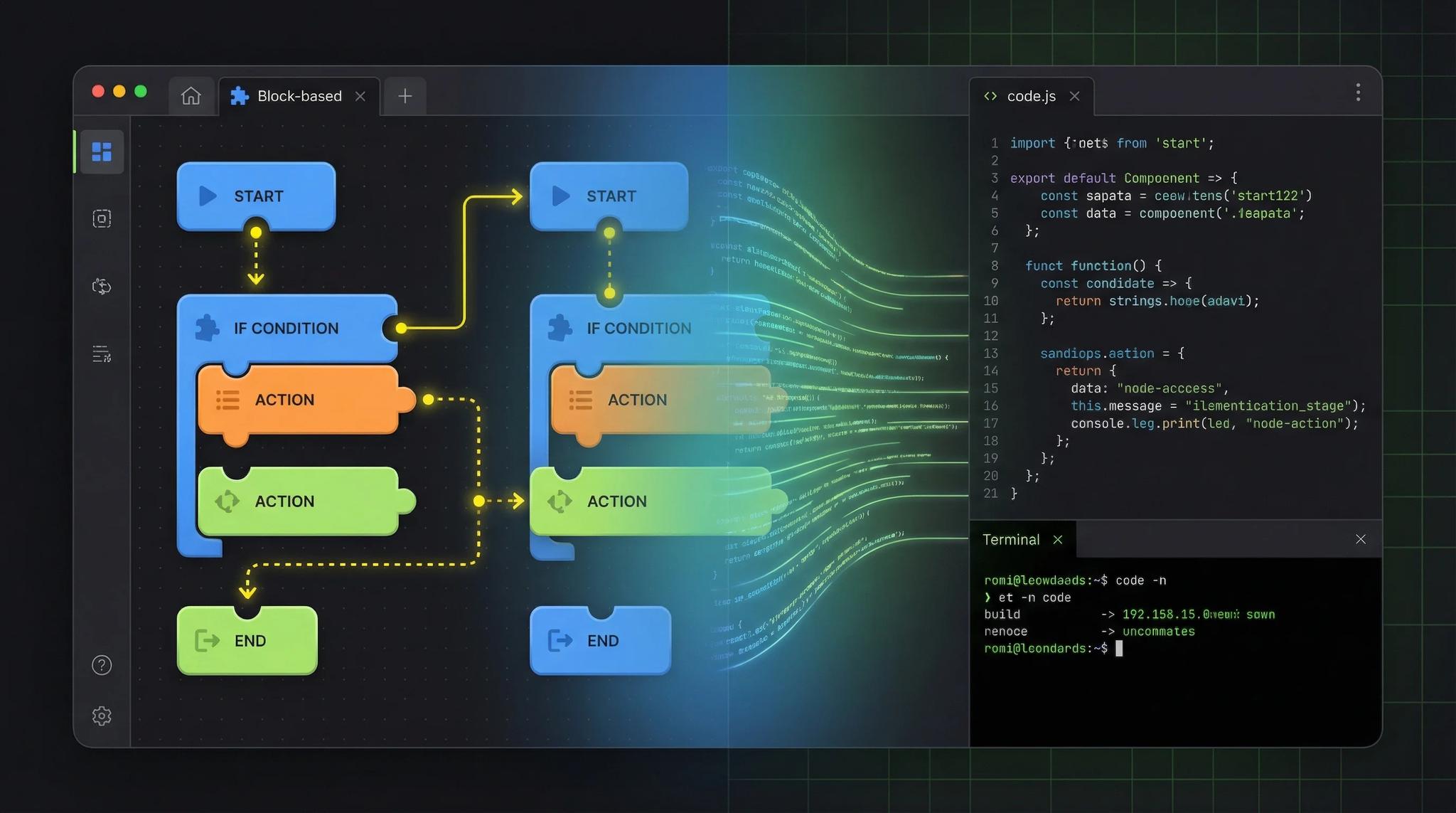

"NoCode kills developers!" You hear this a lot. But is it true? Spoiler: No. NoCode is a brilliant tool, but not a replacement for real development. I've used both in client projects and will show you when what makes sense.
Video: The NoCode Trap

The Strengths of NoCode
NoCode platforms like Bubble, Adalo, or FlutterFlow have real advantages:
- Fast prototyping: You can build a first version in hours
- Lower initial costs: No developer hourly rate needed
- Easy changes: Drag & drop instead of writing code
- Ideal for validation: Test your idea before investing lots of money
Honestly: For some projects, I deliberately recommend NoCode to my clients. Not every app needs custom code.
For internal tools, landing pages, or quick prototypes, NoCode is perfect. Especially when you first want to validate your app idea before investing more. For service businesses like craftsmen or medical practices, a NoCode website is often all you need.
The Limits of NoCode
Once things get more complex, you hit limits. The frontend can often be built well with NoCode, but the backend quickly becomes tight:
1. Bluetooth and Hardware Integration
Want to communicate with external devices? Fitness trackers, printers, scanners? NoCode tools usually don't support this.
2. Offline Functionality
Your app should work without internet? Complex offline sync logic is hardly feasible with NoCode.
3. Custom Logic
Special calculations, complicated algorithms, or business logic that goes beyond "if X then Y"? Gets difficult.
4. Performance
With many users or complex data volumes, NoCode quickly becomes slow. Real apps are significantly more performant.
5. Customizability
You're limited to what the platform offers. Custom designs or features? Often not possible.
The Smart Strategy
My tip: Start with NoCode, but plan the exit.
- Validate your idea with a NoCode prototype
- Test if users even want the app
- If it works: Have the app developed "properly"
Important: Choose NoCode tools that offer code export. FlutterFlow, for example, exports real Flutter code. This way, a developer can build on it later instead of starting from scratch. And if you're working in a team, the code should be versioned in Git.
When Do You Need a Real Developer?
Definitely real development when:
- Your app needs hardware integration
- Offline functionality is important
- You have complex business logic
- Performance is critical (many users, lots of data)
- You want a long-term, scalable solution
NoCode is enough when:
- You only need a prototype for investors
- It's an internal tool for your team
- Requirements stay simple
- Budget and time are tight
If you decide on professional development, you'll find all important info about costs and process in my article about getting an app developed.
Conclusion
NoCode is not a developer killer, it's a tool with clear strengths and limits. Use it smartly for prototypes and validation. But when your product grows and becomes more complex, there's no way around real development.
You often achieve the best results when you combine both: Start quickly with NoCode, then expand professionally. Your first app doesn't need to be perfect. But it should use the right technology. And how far you get with AI-written Flutter code is in when AI writes your Flutter app.
Frequently Asked Questions
Yes, many NoCode platforms like FlutterFlow or Adalo allow publishing to the App Store. You still need an Apple Developer Account (€99/year) and a Google Play Account (one-time €25).
Ask yourself: Do I need Bluetooth, complex offline features, or special hardware integration? If not, NoCode is worth trying. For standard features like user login, lists, and forms, NoCode is often sufficient.
NoCode platforms usually cost €20-200 per month. Professional development starts at €10,000. But note: With NoCode you pay continuously, with real development it's one-time plus maintenance. At a certain point, real development is cheaper.
Depends on the platform. FlutterFlow offers code export, Bubble doesn't. If you're planning an exit, choose a platform with export functionality from the start. Otherwise, you'll have to start from scratch.
