
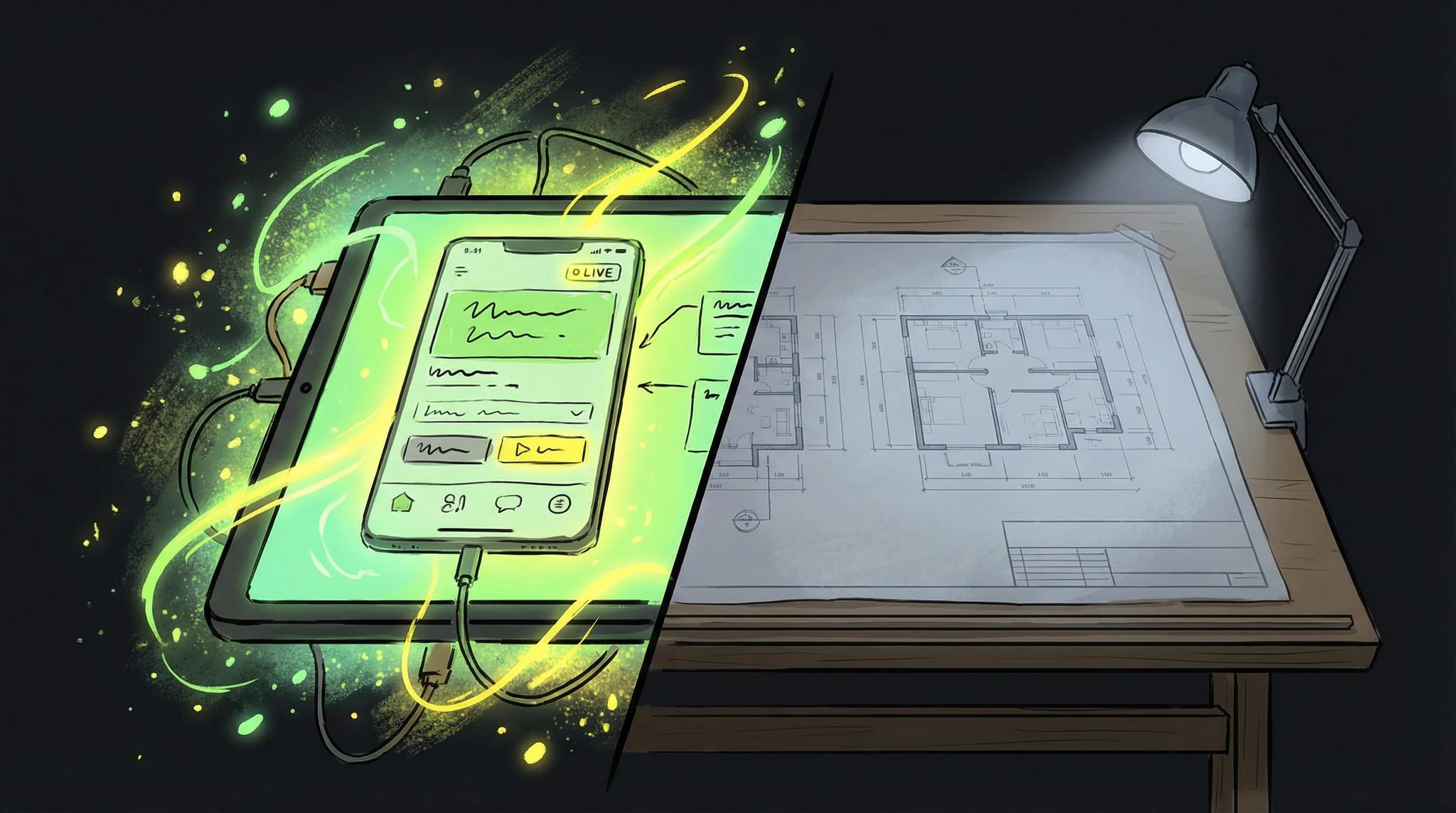

If you work with Flutter, you know this: You finally want to build your own app, but first get lost for weeks in YouTube tutorials about the "perfect architecture". Clean Architecture here, SOLID principles there, and in the end you haven't written a single line of code.
How I Screwed It Up Back Then
I made exactly this mistake at the beginning myself. My first real app was supposed to be perfect. So I spent three weeks just dealing with architecture patterns. Repository Pattern, BLoC, Provider, Riverpod, I wanted to understand everything and know everything before I even started.
The result? The app was never finished. In the end, it didn't even have a basic function. I learned a lot but didn't really retain anything and had no finished app.
With my first real app, I did it completely differently. Just started, used setState() (yes, really, the evil setState())! After a few weeks, the app was finished and I had finally achieved my goal. Sure, the code wasn't great, but the app worked and I learned a lot in the process, then the code got better from app to app, I always learned something new. In retrospect, the first unfinished app was actually just a prototype that brought me important insights. My motto today: "Nothing is impossible."
What Nobody Tells You About Software Architecture
We developers are always a bit in love with architecture and always put it in the foreground. Everything always has to be perfect and we kind of don't give a damn about the most important thing: An app that exists and achieves the goals or solves the user's problem. There are many different solutions to get an app running - the important thing is to start at all.
Most apps don't die from bad architecture. They die from never being finished.
I always imagine it a bit like cooking: You can look for the perfect recipe, buy the best ingredients, but if you never start cooking, you're still hungry in the end. Better to cook something simple at the beginning - the advantages of a pragmatic approach are that you see results faster and can improve flexibly. You can still improve the dish while cooking!
What Really Counts at the Beginning
The App Must Work as an MVP First
Your app must do what it promises. A so-called Minimum Viable Product means that the product is already functional and usable despite minimal features, to offer real value and generate valuable customer feedback. Whether you use Clean Architecture for this or pack everything into one file, the user basically doesn't give a damn. They just want the app to run and solve their problem or simplify their life.
Each product version should be designed so that it's actually usable for the user.
Feedback Is Worth Its Weight in Gold
The sooner you get your app into the hands of real users, the better. They'll tell you what's important. And I can tell you: It's never the architecture.
Getting feedback early supports continuous development and helps to improve the product in a targeted way.
Learning by Doing
You learn more about good architecture when you've first built a bad one. Sounds weird, but it's true. When you notice where it's stuck and where you're standing in your own way, you also understand why certain patterns make sense. It's important not just to memorize all the principles but also to understand why and how they work. Often they build on simple things and also just try to solve problems like your app.
With growing experience, your workflow also improves, as you can deal with challenges more efficiently and optimize processes.
Why User-Friendliness Is More Important Than Perfect Architecture
Especially with a floor plan drawing app, it's not the perfect architecture in the background that decides success, but how simple and pleasant the app is for the user to use. You can build the cleanest architecture in the world - but if users can't intuitively draw their floor plan, it's all for nothing. An app that makes it easy for users to plan rooms, walls, and furnishings will be much more successful than a technically perfect product that nobody understands.
Imagine you're an architect or interior designer and want to quickly sketch a floor plan on the construction site. Then what counts is that the app works immediately, the most important functions are visible at a glance, and you can get started without detours. Users want to draw their room with a few clicks, move furniture, or try out colors - preferably on any device, whether smartphone, tablet, or desktop.
Therefore: An app that focuses on users' needs and makes drawing floor plans as simple as possible will always be more successful than a product that is technically impressive but frustrates in everyday life. In the end, what counts is that the app is used - and you achieve that with good usability, not with perfect architecture.
How to Ensure Good Usability with Simple Means
To make your floor plan app not only work but also be really fun to use, you should pay attention to a few simple but effective things during development:
- Simple Navigation Your users want to reach their goal quickly. Clear menu navigation and logically arranged functions help everyone to immediately understand how to draw or edit their floor plan - whether on smartphone or tablet.
- Clear and Organized Interface Less is often more: A tidy interface with clearly visible icons and understandable labels ensures that users don't get lost in too many options. This way, the focus always remains on the floor plan and room planning.
- Feedback and Hints Show your users what's happening! Small hints, animations, or confirmations after saving a floor plan provide security and make operation more pleasant. This way, even beginners quickly feel comfortable in your app.
- Error Prevention Build your app so that typical errors can't happen in the first place. For example, through smart input aids, warnings for invalid measurements, or automatic corrections. This saves frustration and makes working with floor plans more relaxed.
- Fast and Efficient Editing Nobody wants to click around on a floor plan forever. With practical shortcuts, drag-and-drop, or templates, users can adjust their rooms lightning-fast and try out different variants - that motivates and saves time.
- Support for Different Devices Your app should look good on all devices - whether Android smartphone, iPad, or desktop. Responsive design and optimized operation ensure that users can draw and edit floor plans without problems everywhere.
- Regular Updates and Improvements Listen to your users' feedback and constantly develop your app further. New features, better performance, or small design optimizations show that you're staying on it - that creates trust and ensures long-term success.
If you consider these points, your floor plan app will not only be technically solid but above all a product that users like to use. In the end, it's the combination of simple operation, useful functions, and continuous development that turns an idea into a successful product.
How I Do It Today (and Why I'm Still Fast with Clean Architecture)
Today I start from day 1 with Clean Architecture because I've built myself a template that I improve from project to project. Meaning: clear structure, clear responsibilities, and I'm immediately productive. How I set up modules, dependency injection and lint rules so the architecture does not rot is in Flutter architecture that does not rot.
The Lean Startup method promotes a quick start by focusing on short development cycles, continuous customer feedback, and rapid learning.
That doesn't mean you should start with it immediately. Learn the basics and develop the perfect structure for you step by step! Eric Ries, the founder of the Lean Startup concept, emphasizes how important it is to validate quickly with minimal effort and improve iteratively.
My Concrete Tool Setup for the Start (Short and Honest)
- Structure: domain, data, presentation
- State: Bloc (from the beginning)
- Routing: AutoRoute (love it)
- API: Retrofit + dio + freezed + build_runner (--delete-conflicting-outputs)
- Backend: Supabase, PocketBase or something self-built - relaxed for MVPs
- Tools: VS Code + Error Lens, Pubspec Assist, TODO Tree; Proxyman for sniffing; Yaak for API testing
For the folder structure, I've created a basic template. This is how I build all my apps. Feel free to check it out: clean_architecture_folders_lib
Depending on requirements and target audience, there are different versions of the tool setup, so you can flexibly choose the right solution.
The 80/20 Rule or Why You Don't Need Clean Architecture
80% of your users are only interested in 20% of your features. So build these 20% and make them really good. Selecting the most important features is crucial to create the greatest value for your users.
What belongs to these 20%?
- The core function (what people download the app for)
- Smooth UI (no jerky animations)
- Fast loading times
- Stability (no crashes)
Repository Pattern? Clean Architecture? Dependency Injection? None of that belongs here. That's basically only interesting for us developers.
When Architecture Does Become Important
There are of course situations where you should think about architecture from the beginning:
- Team Project: If there are three or more of you, you basically need a common structure
- Enterprise Stuff: Big clients, big app, big responsibility - for example, companies with complex requirements
- If you've already built it 10 times: Then you know what's coming
But for your first own app? Forget it.
What I've Learned After Years of App Development
I've built quite a few apps by now. The most successful ones? The ones that exist. Because users can use them. Because I could get feedback quickly and iterate.
An app in the store with bad code is infinitely better than the perfectly thought-out app that only exists in your head.
My Approach That You Can Implement Immediately
So, if you're sitting in front of your app idea right now and don't know how to start: First make a rough plan so you have a clear overview of the next steps.
- Take your idea (the one you've had in your head forever)
- Define 3 features - really only 3! The minimum for the app to make sense
- 2 weeks time - set yourself a hard limit
- Build the damn thing - no matter what the code looks like
- Show it to people - family, friends, Reddit, whatever
- Iterate based on real feedback
You'll notice that your code gets better over time and that at some point you're forced to learn clean architecture. When you reach this point, you also understand the added value and recognize why and how the whole thing works.
The Most Important Tip
Stop watching the tenth tutorial about Clean Architecture. I know they're super interesting and you feel productive. But you're not. You're just procrastinating at a high level.
Open your IDE. Now. Create a new project. Write the first line of code. The code will be crap - so what? You can always refactor, but only if there's code there.
I used to always think I had to understand everything perfectly first. Now I know: The best way to learn is to first build crap and then understand why it was crap.
Innovation often happens exactly when you just try things out and take action.
