
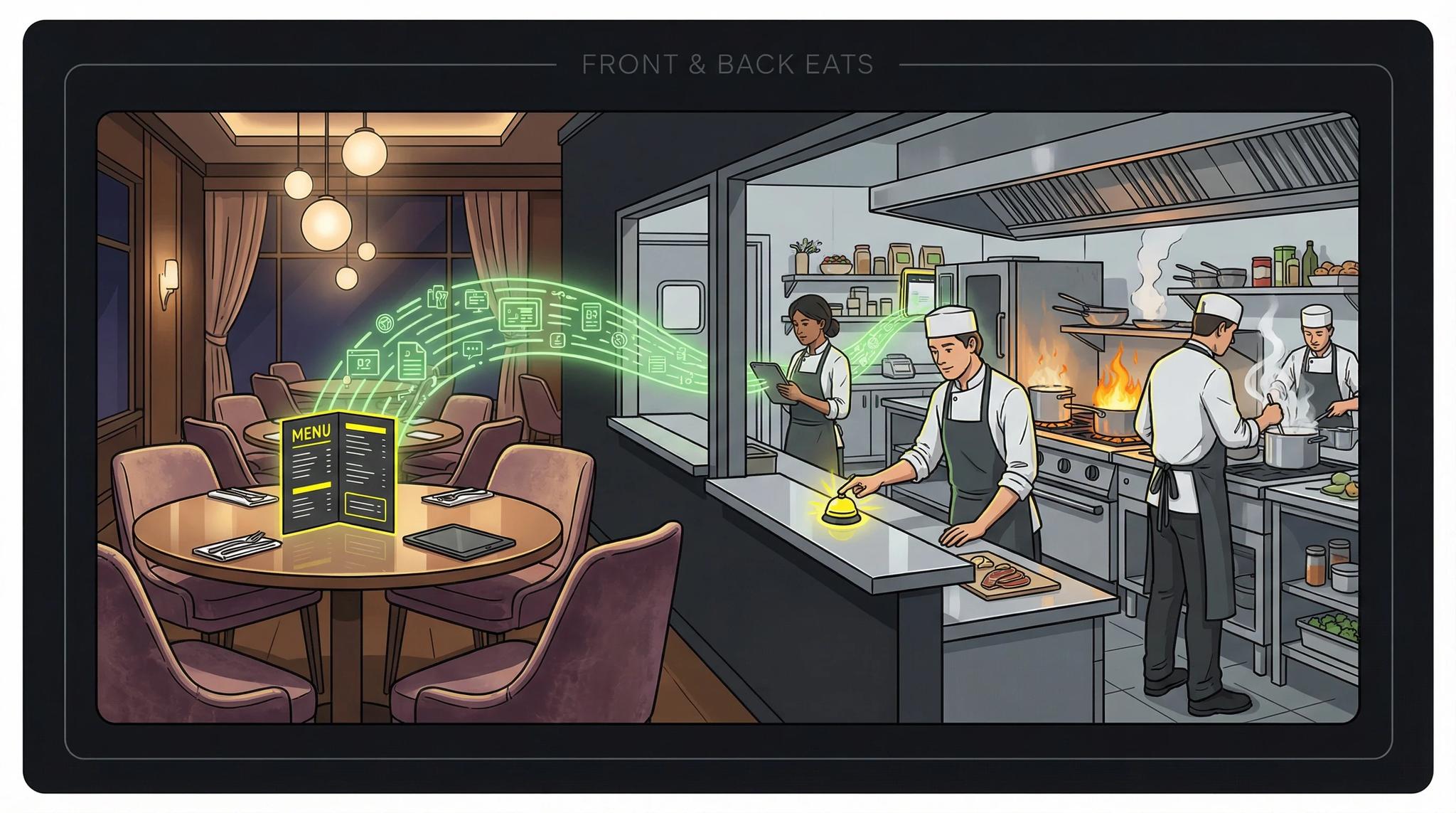

When you start exploring app development, you'll quickly stumble upon the terms "frontend" and "backend." Sounds technical, but it's actually quite simple. Let me explain it with a restaurant comparison.
Video: Frontend vs. Backend Explained

The Restaurant Analogy
Picture this: You're sitting in your favorite restaurant. The menu is beautifully designed, the waiter is friendly, the ambiance is perfect. That's the frontend. But then you wait... and wait... because the kitchen (the backend) is in chaos.
- The frontend is everything you see and touch as a guest: The interior, the menu, the service, your table.
- The backend is the kitchen: This is where the food is prepared, where the real work happens.
A restaurant without a kitchen? That would just be a place to sit, nice to look at, but pretty useless.
Applied to Apps
For an app like WhatsApp or Instagram:
- Frontend (App): The interface you see. The keyboard, the chat bubbles, the buttons. Everything you interact with.
- Backend (Server): This is where your messages are processed, stored, and forwarded to other users.
When you like a photo on Instagram: The heart that fills up, that's frontend. That your like gets saved and the other person gets a notification, that's backend.
Without a backend, WhatsApp would just be a pretty keyboard. You could type, but couldn't send anything. I show you how the backend of a real production app works in this article.
When Does an App Need a Backend?
Not every app needs a backend. The clock or calculator on your smartphone works completely locally, no internet connection required.
You need a backend when:
- Users should be able to log in (social login is standard today)
- Data needs to sync between devices
- Multiple users communicate with each other
- Data must be stored centrally
No backend needed for:
- Pure offline tools (calculator, timer)
- Apps without user accounts
- Local note apps without sync
The Cost Question
A backend causes ongoing costs: server hosting, maintenance, scaling as user numbers grow. You should consider this when planning your app.
The server cost question comes up in almost every initial consultation. My honest answer: For starting out, 5-10€ per month is often enough. For successful apps with many users, server costs can quickly increase. Cloud providers like Google Firebase or Supabase offer free starter packages you can begin with.
How Do Frontend and Backend Communicate?
Communication happens via so-called REST APIs. The frontend sends a request ("Give me all messages"), the backend responds with data. Like a waiter who takes your order to the kitchen and returns with the finished meal.
Conclusion
Frontend without backend is like a sports car without an engine: Looks good, but can't do anything. But also the other way around: Backend without frontend is like a kitchen without a restaurant. Technically perfect, but nobody notices.
For most apps, you need both: a slick interface AND a solid technical foundation behind it. When multiple developers work on this, Git as version control becomes indispensable by the way.
The good news: With modern frameworks like Flutter and Serverpod, frontend and backend can be developed much more efficiently than before. If you want to learn more about the entire process, check out my article about app development.
Frequently Asked Questions
Yes, so-called full-stack developers master both. For smaller projects, this is often more efficient. For larger apps, specialization makes sense because requirements in both areas can become complex.
Development costs are often similar. The difference lies in ongoing costs: The backend causes server costs that increase with user numbers. The frontend has no ongoing costs except App Store fees.
Technically yes, but it's more complex than planning from the start. If you know you'll need user accounts or data synchronization later, you should plan the backend from the beginning.
Depends on the app. Not for pure offline tools. But as soon as you need user login, cloud storage, or communication between users, a backend is essential. Even for an MVP.
