

You know the feeling? You finally download that one app you've been looking forward to. And then this: A registration form. Name, email, password (with at least 12 characters, uppercase letter, special character...). Motivation drops, many users abandon here.
50% abandonment rate. Imagine every second potential user is gone before they've even seen your app.
The solution? Social login.
Video: The Registration Trick

The Problem with Classic Registrations
Long registration forms are one of the biggest conversion killers in apps. Users are impatient. They want to use the app immediately, not fill out forms first.
Studies show: The more fields a form has, the more users drop off. With complex registrations, abandonment rates of 50% and more can occur. In my own projects, I've seen how drastically conversion improves once social login is active. If you first want to validate your app idea, every lost user is one too many.
Social Login: One Click Instead of Ten Fields
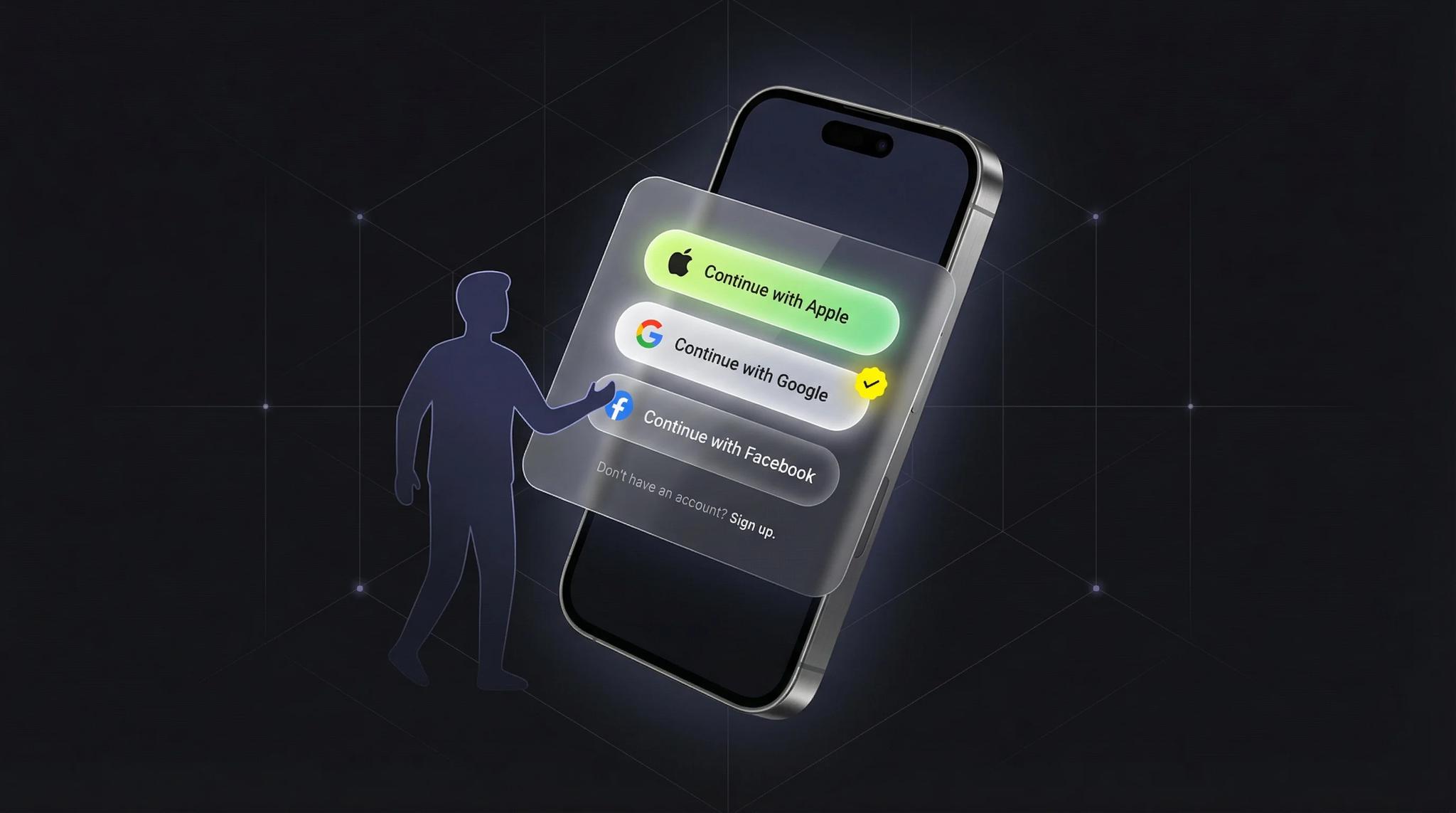
With social login, users can sign in with their existing accounts: Apple, Google, or Facebook. One click, done. That moment when a user taps "Sign in with Google" and is in the app 2 seconds later. That's user experience.
Benefits for users:
- No new passwords to remember
- Faster registration
- Familiar environment (they know it from other apps)
Benefits for you as an app operator:
- Fewer drop-offs during registration
- Verified email addresses
- Better user experience = happier users
Best Practices for Social Login
1. The Right Order
Put the most popular options at the top. These are usually:
- Apple (especially for iPhone users)
- Facebook (less popular than before)
- Classic email registration at the bottom
2. Always Offer an Alternative
Some users don't want to link their social accounts with your app. That's okay. Always offer classic email registration too. As the last option, but available.
3. Apple Sign-In is Mandatory
If you want to be in the Apple App Store and offer social login, you must also offer Apple Sign-In. This is an Apple guideline. Ignore it, and your app gets rejected.
4. Communicate Privacy
Briefly explain what data you receive (usually just email and name). This builds trust. Apple even offers a "Hide my Email" feature. Support it.
Technical Implementation
Integrating social login is relatively easy for developers today. Firebase Authentication or similar services handle the heavy lifting.
The typical flow:
- User clicks "Sign in with Google"
- Google authenticates the user
- Your app receives a token
- The token is used for identification
For you as an app operator, this means: One-time setup, then it runs automatically. More about how an app's backend works in my detailed article. By the way: Authentication is a classic interplay of frontend and backend. The frontend shows the login buttons, the backend verifies the tokens.
What About Privacy?
Social login can be used GDPR-compliant. You only receive the data the user shares (by default email and name). Important: Explain in your privacy policy which third-party providers you use.
Apple Sign-In is particularly privacy-friendly. Users can use an anonymous email address.
Conclusion
Social login is no longer a nice-to-have, but standard. It improves user experience, reduces drop-offs, and makes life easier for your users.
Implementation is manageable, the effect measurable. If your app doesn't have social login yet, it should be at the top of your priority list. By the way: Your first app doesn't need to be perfect. But social login should be there from the start.
Frequently Asked Questions
Yes, if you offer other social login options (Google, Facebook), you must also offer Apple Sign-In. This is an Apple App Store guideline. Without Apple Sign-In, your app will be rejected.
By default only email and name. With Apple, users can even choose an anonymous email. You don't receive passwords, friend lists, or other sensitive data. Just the essentials for identification.
The services themselves are free. Google Sign-In, Apple Sign-In, and Facebook Login cause no direct costs. You only need a Developer Account with Apple (€99/year) for the App Store.
Yes, always. Some users don't want to link their social accounts. Offer email as an alternative, but as the last option, not the first. Most users prefer social login.
