

The numbers
- Ongoing app costs: €100 to €15,000 monthly, depending on user count
- Main cost drivers are server costs, database fees, API licenses, and app store commissions
- Small apps with under 5,000 users can operate from €100 monthly
- Maintenance and continuous development make up 6-12% of original development costs per year
- Detailed cost planning before development prevents unpleasant surprises after launch
Your app is finally live and then the first invoice arrives. Suddenly you realize: The development costs were just the beginning. Now come the ongoing costs of an app, and they pack a punch. While many only think about one-time costs during app development, it's the monthly expenses that burden your budget long-term.
In this article, I'll show you what really awaits you. No sugarcoating, but concrete numbers and realistic assessments. From the first €100 to four-digit amounts, you'll learn which cost factors are coming your way and how to calculate them correctly from the start.
The Five Biggest Cost Drivers for Ongoing App Costs
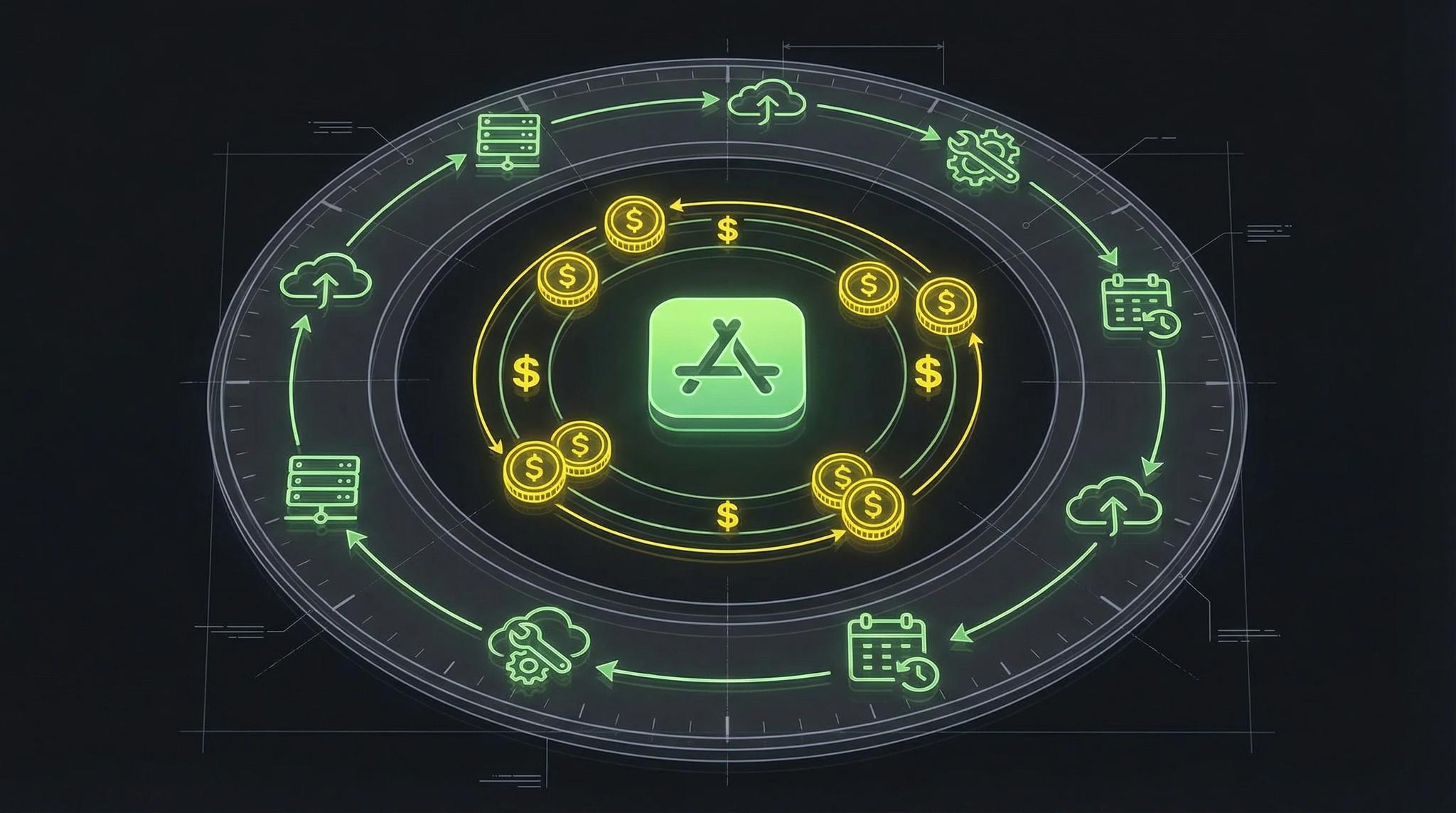
When we talk about the ongoing costs of an app, there are five main areas that determine your budget. These cost drivers are relevant for practically every app, whether you're operating a simple web app or a complex native application.
The amount of costs depends heavily on your user count and functional scope. A small app with a few hundred users might cost you €100 per month, while large applications with tens of thousands of users quickly reach four-digit amounts.
Here's an overview of the most important cost factors:
| Cost Factor | Small App (<5,000 Users) | Medium App (5,000-25,000) | Large App (>25,000 Users) |
|---|---|---|---|
| Server Costs | €20-50 | €50-150 | €150-500 |
| Database | €0-30 | €50-100 | €200-1000 |
| Storage | €10-30 | €30-80 | €100-300 |
| APIs | €20-100 | €100-300 | €300-1500 |
| Store Fees | Variable | Variable | Variable |
Server Costs: The Foundation of Your App
Server costs are the foundation of your app. Without servers (backend), nothing runs, whether web app or mobile application. The good news: Google Firebase and Supabase offer free starter packages for developers. These are often sufficient for the first months or even the first year. Everything about Firebase is in Firebase as a backend.
Costs increase with simultaneously active users, not just total user count. That's an important distinction. If you have 10,000 registered users but only 10 are online simultaneously, you pay significantly less than with 1,000 simultaneous accesses.
Concrete numbers for server costs:
- Up to 12,000 users: approx. €50 monthly
- Over 12,000 users: €100-200 monthly
- Enterprise applications: €500 and more
An important note: Server location in Germany is recommended for data protection compliance. This costs a bit more, but you're on the safe side with GDPR.
Cloud providers like Google, Amazon, or Supabase ensure automatic scalability with increasing user numbers. This means: If your app suddenly goes viral, the server won't crash, but the bill will be correspondingly higher. I personally am a fan of self-hosting to further control costs, even here you can achieve certain scalability with the right tools, but I can also set limits and thus keep costs within a certain range.
Database Costs: Storage for User Data
Your app collects data. Lots of data. User profiles, settings, content, transactions - all of this must be stored somewhere. Most providers are free at the beginning up to about 5,000 registered users.
The cost structure usually looks like this:
- 0-5,000 users: free
- 5,000-25,000 users: average €100 monthly
- Over 25,000 users: from €250 monthly, increases with data volume
Costs depend on three factors: performance, deployment, and capacity. An app with many images and videos needs more storage than a pure text application. Customer data, user interactions, and account information are the main data sources.
Data Storage Costs: Cloud Storage for Media
If users can upload images, videos, or documents, you need cloud storage. Amazon S3 is the market leader here, followed by Google Cloud and Microsoft Azure. Billing is based on used storage volume and data transfer.
Typical costs for data storage:
- Small to medium apps: €20-100 monthly
- Upload and download of media by users
- Synchronization between different devices
With social media apps or marketplace applications, these costs can quickly explode. A user might only upload one profile picture, but thousands of users mean gigabytes of data.
Third-Party API Costs
Here's where it gets interesting - and expensive. Most apps use third-party APIs. Google Maps for locations, payment providers for purchases, authentication for login. These services save you development time but cost money continuously.
Examples of API costs:
- Google Maps API: €0.005 to €0.015 per call
- Payment providers: 1-3% commission per transaction
- Authentication: often free up to 10,000 users
The advantage: Third-party APIs save time and development effort compared to in-house development. The disadvantage: Costs are often hard to predict and can explode with successful apps.
Regular monitoring of API usage for cost control is required. Some developers experience nasty surprises when their app suddenly goes viral and API costs go through the roof.
App Store Fees and Commissions
The app stores also want their share. Here are the most important numbers:
Google Play Store:
- €25 one-time registration for developer account (starting September 2026, developer verification is also mandatory)
- 10-35% commission on in-app purchases and digital sales
Apple App Store:
- €99 annual membership in the Developer Program
- 15-30% commission depending on revenue
Costs depend heavily on in-app purchases and digital sales. If your app is free and doesn't offer purchases, only the basic fees apply. But with successful apps with many in-app purchases, commissions can become the biggest cost factor.
Small addition, but extremely important: The app must be marketed. Here, of course, advertising costs come on top, but that's a completely different topic.
Maintenance and Further Development: The Often Forgotten Cost Factor
Here comes the cost factor that most underestimate: ongoing maintenance. Your app isn't like a car that you buy once and then drive. It needs continuous care.
The rule of thumb: Continuous maintenance makes up 6-12% of original development costs annually. For an app that cost €50,000 to develop, that's €3,000-6,000 per year just for maintenance.
What belongs to maintenance:
- Security updates and bug fixes
- Compatibility with new operating system versions (iOS and Android updates)
- Feature updates based on user feedback
- Quality assurance and testing after updates
This is a long-term investment in app success and user satisfaction. Apps that aren't regularly maintained quickly disappear from app stores or are deleted by users.
Cost Categories by App Size: Realistic Budget Planning
Now let's get specific. Here are the realistic costs by app size:
Small apps (under 5,000 users): €100-200 monthly
- Basic hosting and server
- Minimal database usage
- Few API calls
- Basic maintenance
Medium apps (5,000-25,000 users): €200-500 monthly
- Extended server capacities
- Larger database requirements
- More API integrations
- Regular updates and support
Large apps (over 25,000 users): €500-15,000 monthly
- High-performance servers
- Extensive database systems
- Intensive API usage
- Professional support and development
Enterprise apps with complex integrations can be significantly more expensive. For companies with special security requirements or compliance specifications, costs beyond €15,000 monthly are also possible.
Strategies for Cost Optimization
The good news: You can significantly reduce the ongoing costs of an app if you proceed smartly.
Early planning and realistic budgeting prevent surprises. You should calculate ongoing costs already in the planning phase. Many startups fail because they only considered development costs.
Selection of cost-effective cloud providers with transparent pricing models. Supabase, Firebase, and similar providers often offer better conditions than the big cloud giants, at least at the beginning.
Monitoring and optimization of resource usage: Monitor your server load, database accesses, and API calls. Often services run in the background that you don't even need.
Gradual scaling instead of oversizing from the start. Start small and scale based on real user data, not on optimistic forecasts.
Regular review and adjustment of services used. What made sense at the beginning might be overpriced or unnecessary after a year.
Monetization vs. Ongoing Costs: Keeping Profitability in View
In the end, the calculation must work out: Revenue must cover ongoing costs in the long term. That sounds logical, but many app developers underestimate this challenge.
Main revenue sources for apps:
- In-app purchases and digital products
- Subscriptions and memberships
- Advertising and sponsorship
- Premium versions and upgrades
For a break-even analysis, you need realistic revenue forecasts. With in-app purchases, the average conversion rate is often under 5%. This means: Out of 100 users, only 2-5 actually buy something.
ROI calculation is based on user value and conversion rates. If each paying user brings an average of €10 per month and you have €200 in ongoing costs, you need at least 20 paying users to cover costs.
Frequently Asked Questions
A realistic cost estimate is based on planned user count, functional scope, and required third-party services. Small apps usually start at €100-200 monthly, while complex apps can quickly cost €1,000 or more. Use cloud provider cost calculators and plan for 20-30% buffer.
Often overlooked are costs for compliance and data protection (GDPR audits, legal consulting), support and customer service (personnel costs or external service providers), marketing and user acquisition, as well as unexpected scaling costs with sudden user growth. Backup systems and disaster recovery also cause additional expenses.
In-house development of services is usually more expensive than using third-party APIs. The maintenance effort and required expertise often significantly exceed API costs. Exception: If you have very specific requirements or process large volumes long-term, in-house development can be worthwhile.
Most cloud services scale linearly or progressively with usage. However, many providers offer volume discounts above certain thresholds, which can reduce costs per user. With 1,000 users you might pay 5 cents per user, with 100,000 users only 2 cents.
Servers in Europe are often more expensive than in other regions but recommended for EU users because of GDPR. Developer costs vary greatly between Western Europe (50-125 USD/hour) and Eastern Europe (40-60 USD/hour). App store fees can also vary regionally, depending on local taxes and currencies.
