
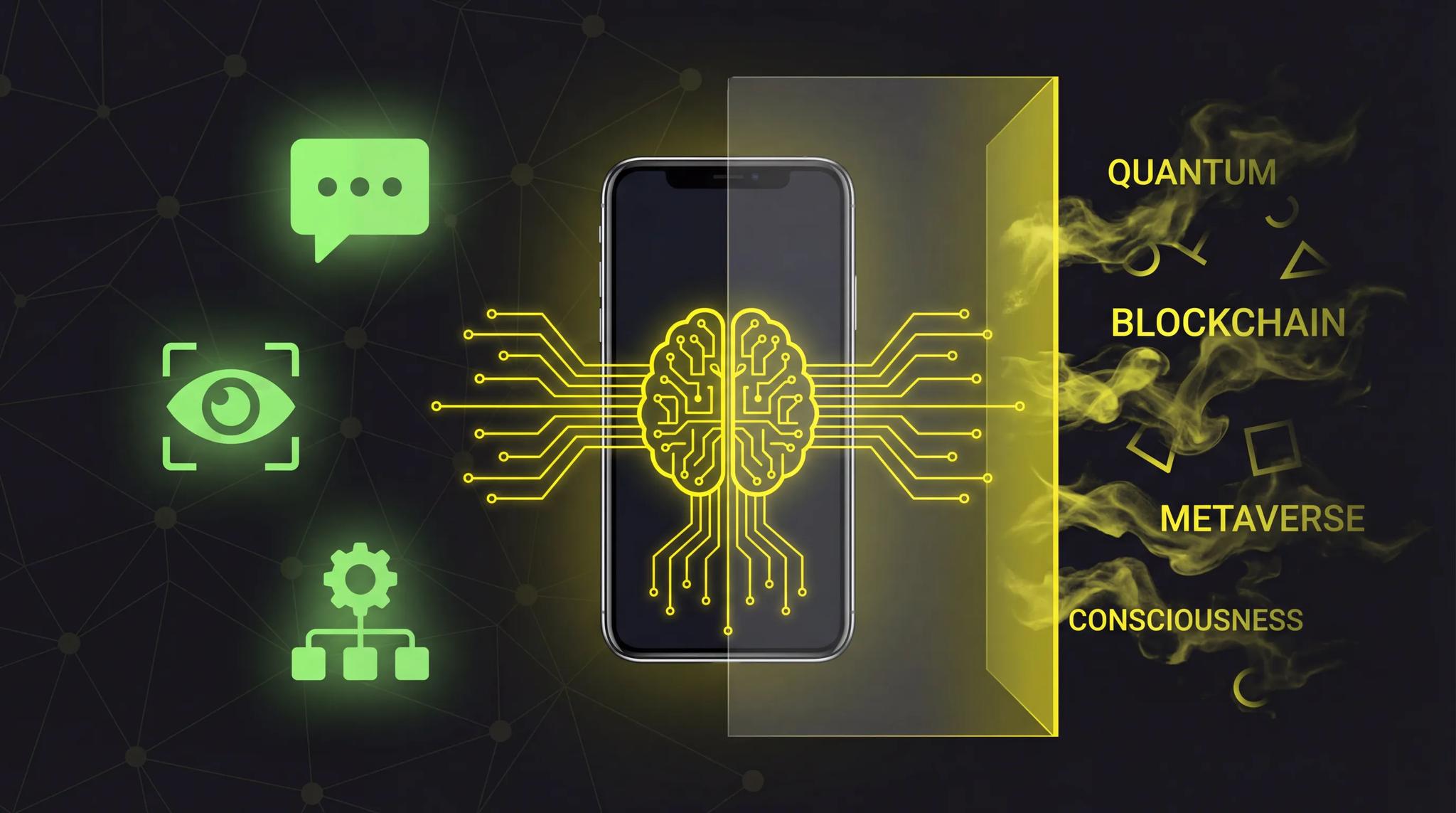

Every client now wants "AI in the app." In every other initial meeting someone says: "Can we do something with AI in there?" And most of the time people do not actually know what that means in practice, or whether it even makes sense for their use case. I do not say that dismissively. AI is a vast field, and the marketing machine has done its job well. But as a developer, it is my job to be honest: not every app needs AI, and not every AI integration is worth the effort.
Quick Summary
- AI in apps does not mean "the app is intelligent", it means specific capabilities like text generation, image analysis, or recommendations
- The simplest and most cost-effective solution: integrate cloud APIs from OpenAI, Anthropic, or Google
- What works well: chatbots, image analysis, personalized recommendations, speech-to-text
- What is overrated: "AI" as a marketing label, custom models for small datasets, AI as a replacement for good UX
- API costs start at a few cents per request, but scaling can get expensive
What AI in Apps Actually Means
Let us first demystify the buzzword. When someone says "I want AI in my app," they usually mean one of these specific capabilities:
- Text generation: Create content, summarize, translate
- Image analysis: Recognize objects, scan documents, categorize photos
- Recommendations: Personalized content, product suggestions, learning paths
- Predictions: Forecast demand, predict churn, identify trends
- Speech: Speech-to-text, voice commands, transcription
Think of it this way: AI in an app is like an electric motor in a car. Not every car needs to be electric. And bolting an electric motor onto a bicycle does not make it a Tesla. The technology has to fit the use case. Otherwise it is just an expensive gimmick.
Or put differently: AI is a tool, not a feature. Nobody opens your app because "AI" is on the splash screen. Users open the app because it solves a problem. AI can help solve that problem better, but only if you find the right application.
What Works: AI Features With Real Value
1. Chatbots & Text Generation
The most obvious and currently easiest-to-implement AI feature. You connect the API from OpenAI or Anthropic (Claude), and within a few hours you have a working chatbot.
Where this actually works well:
- Customer support: A bot that handles 80% of the standard questions before a human takes over
- Content creation: Suggest texts, generate drafts, create summaries
- Data processing: Turn messy free-text input into structured data
- Personal assistants: Help users plan tasks, set reminders, or draft emails
The beauty of it: you do not need to train your own model. You use an existing model via an API and customize it with a system prompt for your use case.
What it costs: With Anthropic's Claude API, you currently pay between 0.25 and 15 dollars per million input tokens depending on the model. For a typical chatbot interaction, that is a few cents per conversation. A more detailed breakdown is in What does an AI app cost?.
2. Image Analysis & Computer Vision
This is where it gets exciting. Modern vision models can do things that were science fiction two years ago:
- Product recognition: A user snaps a photo of a product, and the app identifies it and shows prices
- Document scanning: Read invoices, business cards, or recipes automatically
- Quality control: Check product photos for defects without manual inspection
- Skin analysis: Give an initial assessment in dermatology apps (with a clear note to visit a doctor)
Integration is surprisingly simple. Multimodal models like GPT-4o or Claude can analyze images directly, you send an image to the API and receive a structured response.
3. Personalized Recommendations
Recommendation systems are one of the most proven AI use cases. Netflix, Spotify, Amazon, they all live on them. And even in smaller apps they deliver real value:
- E-learning: "Based on your progress, here's the next lesson"
- E-commerce: The classic "Customers who bought X also bought Y"
- Content apps: Surfacing articles that actually match someone's interests
- Fitness: A training plan that adapts to previous performance
For the start, simple rule-based systems often suffice. Only when you have enough data (thousands of users) does real machine learning pay off.
4. Speech: Speech-to-Text & Voice Commands
Speech features are underestimated. Yet for certain use cases they are a game changer:
- Transcription: Convert meetings or lectures into text without lifting a finger
- Voice input: Speak instead of typing, which is great on mobile
- Accessibility: Voice control for users with limited mobility
- Dictation apps: Notes, journals, or reports created by voice
OpenAI's Whisper model delivers excellent transcription in dozens of languages and costs just a few cents per minute of audio.
5. Predictive Features
Prediction features are less glamorous than chatbots but often more valuable:
- Demand forecasting: When will certain products see increased demand?
- Churn prediction: Which users are about to leave the app?
- Smart notifications: Figuring out the best time to send a push notification
- Price optimization: Adjusting prices dynamically based on supply and demand
These features do require data, though. Without a solid data foundation, predictions are worthless. Only with a few thousand data points does it get interesting.
What Does NOT Work (or Is Overrated)
1. "AI" as a Marketing Label Without Real Benefit
I see it constantly: apps that carry "AI-powered" in the title but at their core have an if-else logic. Or features that are labeled AI even though they would work just as well without it.
The truth: Users notice this. If your "AI feature" does not deliver noticeable value, it hurts your credibility more than it helps. Only call it AI if it really is AI.
2. Custom Model Training With Small Datasets
"We are training our own AI model!", sounds impressive. The problem: you need data for that. A lot of data. Thousands to millions of high-quality, labeled data points.
A startup with 500 data records that wants to train a custom model is burning money. The results will be worse than a standard API call to GPT-4 or Claude with good prompt engineering.
My recommendation: Always start with API integration. Only when you notice that the generic models are not sufficient for your specific use case AND you have enough data should you think about custom models.
3. AI as a Replacement for Good UX
"The AI will understand what the user means.", No, it will not. At least not reliably enough to replace a well-thought-out user experience.
I have seen apps that converted their entire interaction flow to a chatbot. The result: users typing three sentences instead of tapping once. That is not progress. AI should complement UX, not replace it.
4. Fully Autonomous Decisions Without Human Oversight
AI models hallucinate. They make mistakes. And they make those mistakes with absolute confidence.
In sensitive areas, medical diagnoses, financial decisions, legal assessments, AI may assist but must never decide alone. Always build in a "human in the loop." That is not just ethically correct but also protects you legally.
The Tech Options at a Glance
If you want to integrate AI into your app, you have three fundamental paths:
| Option | Advantages | Disadvantages | Cost |
|---|---|---|---|
| Cloud APIs (OpenAI, Anthropic, Google AI) | Fast integration, no training needed, pay-per-use | Provider dependency, latency, privacy concerns | From $0.25/1M tokens |
| On-Device ML (TensorFlow Lite, Core ML) | Offline capable, fast, no API costs, full data control | Limited model size, more complex, device-dependent | Development time |
| Custom Models (own training) | Unique, optimized for your use case | Expensive, needs lots of data, slow iteration | 10,000+ euros |
For most apps the answer is clear: Start with cloud APIs. Quickly integrated, affordable to operate, and you can switch at any time. If privacy and ongoing API costs matter to you, also take a look at on-device AI with Apple Intelligence.
Cost Reality: What AI Integration Actually Costs
Let me make the costs transparent. Because "add AI" can mean anything, from 500 euros to 50,000 euros.
API Costs per 1,000 Requests
| Use Case | Model | Approx. Cost |
|---|---|---|
| Chatbot (short answers) | Claude Haiku / GPT-4o mini | 0.05, 0.20 euros |
| Chatbot (detailed answers) | Claude Sonnet / GPT-4o | 0.50, 2.00 euros |
| Image analysis | GPT-4o / Claude Sonnet | 1.00, 5.00 euros |
| Transcription (per hour of audio) | Whisper | 0.36 euros |
| Embeddings (for search) | text-embedding-3-small | 0.01 euros |
Development Effort
| Integration | Effort | Cost (Freelancer) |
|---|---|---|
| Simple chatbot | 2-3 days | 1,500, 3,000 euros |
| Image analysis feature | 3-5 days | 2,500, 5,000 euros |
| Recommendation system (rule-based) | 3-5 days | 2,500, 5,000 euros |
| Voice input | 2-4 days | 1,500, 4,000 euros |
| Custom ML pipeline | 2-4 weeks | 10,000, 25,000 euros |
The good news: for most AI features in an app, you end up with total costs of 1,500 to 5,000 euros. That is significantly less than most people expect.
Code Example: AI Integration in an App
Here is a concrete example of what an API connection to Claude from Anthropic looks like, for example as a backend service for a Flutter app:
import 'dart:convert';
import 'package:http/http.dart' as http;

class AIService {
  static const String _baseUrl = 'https://api.anthropic.com/v1/messages';
  final String _apiKey;

  AIService(this._apiKey);

  Future<String> chat(String userMessage, {String? systemPrompt}) async {
    final response = await http.post(
      Uri.parse(_baseUrl),
      headers: {
        'Content-Type': 'application/json',
        'x-api-key': _apiKey,
        'anthropic-version': '2023-06-01',
      },
      body: jsonEncode({
        'model': 'claude-sonnet-4-20250514',
        'max_tokens': 1024,
        'system': systemPrompt ?? 'You are a helpful assistant.',
        'messages': [
          {'role': 'user', 'content': userMessage},
        ],
      }),
    );

    if (response.statusCode == 200) {
      final data = jsonDecode(response.body);
      return data['content'][0]['text'];
    } else {
      throw Exception('API error: ${response.statusCode}');
    }
  }
}

// Usage
final ai = AIService('your-api-key');
final answer = await ai.chat(
  'What are the benefits of Flutter for app development?',
  systemPrompt: 'You are an app development expert. Answer briefly and precisely.',
);
Important: Never embed the API key in the app. Always route through your own backend to keep the key secure.
That is how simple the basic integration is. Within a few hours you have a working AI chatbot in your app. The art then lies in prompt engineering, in telling the model precisely what it should do and what it should not.
My Recommendation: The Pragmatic Path
After many projects with AI integration, my advice is always the same:
Step 1: Validate the Use Case
Before you integrate AI, ask yourself one question: "Would this feature also work without AI?" If yes, you might not need AI at all. If no, on to step 2.
Step 2: Start With an API
Take an afternoon, connect the API from OpenAI or Anthropic, and test whether the result is good enough. In 80% of cases it is. No custom training, no proprietary model, just an API.
Step 3: Perfect the Prompt Engineering
The quality of your AI features stands and falls with the system prompt. Invest time here. Test different phrasings, define clear boundaries, provide examples. A well-written prompt can make the difference between "nice" and "wow."
Step 4: Measure and Iterate
Track how users engage with the AI feature. How often is it used? How satisfied are users with the results? Where does the interaction break off? Based on this data you optimize.
Step 5: Only Then Think About Custom Models
If you find that the generic models are not sufficient for your specific use case and you have enough data, then, and only then, is the investment in a custom model worthwhile.
Conclusion
In 2026, adding AI to an app is not the huge undertaking it used to be. The APIs are mature, costs are reasonable, and getting started is often easier than you'd think. But -- and this matters -- AI is not an end in itself.
The best AI features are the ones you do not even perceive as AI. They solve a problem, make the app better, and feel natural. Not every app needs a chatbot, not every app needs image analysis. But when the use case is right, AI can elevate your app from "pretty okay" to "must have."
Start with the API, test with real users, and then decide whether you want to go deeper. That is the pragmatic path, and usually the right one. How I use AI for coding myself is in when AI writes your Flutter app.
Frequently Asked Questions
Development costs for a simple AI integration (e.g., chatbot via API) range from 1,500 to 3,000 euros. On top of that come ongoing API costs, which range from a few cents to several euros per 1,000 requests. For a complex recommendation system or image analysis, plan for 2,500 to 5,000 euros in development. Custom ML models start at 10,000 euros and up. The total costs depend heavily on whether you use existing APIs or train your own models.
Not necessarily. AI makes sense when it solves a specific problem better than a conventional solution. If you want to generate text, analyze images, provide personalized recommendations, or process speech, AI makes sense. If you just want to add it because it sounds good, don't. The honest question: would your users notice a difference? If yes, integrate AI. If no, invest the budget in better UX design instead.
For text generation and chatbots I recommend the Anthropic (Claude) or OpenAI API, both deliver excellent results. For image analysis, GPT-4o and Claude Sonnet with Vision are strong options. For speech-to-text, OpenAI's Whisper is hard to beat. And for recommendations, simple rule-based systems or Google Vertex AI often suffice. My general tip: start with one provider, test the results, and only switch when you have a concrete reason to do so.
That depends on the implementation. If you send user data to US-based APIs like OpenAI or Anthropic, you must make that transparent in your privacy policy and conclude the appropriate agreements (DPA). For sensitive data (health, finance) I recommend on-device ML so the data never leaves the device. Or you use EU-hosted models. As a general rule: get legal advice before sending user data to external AI services, especially with personal data.
