
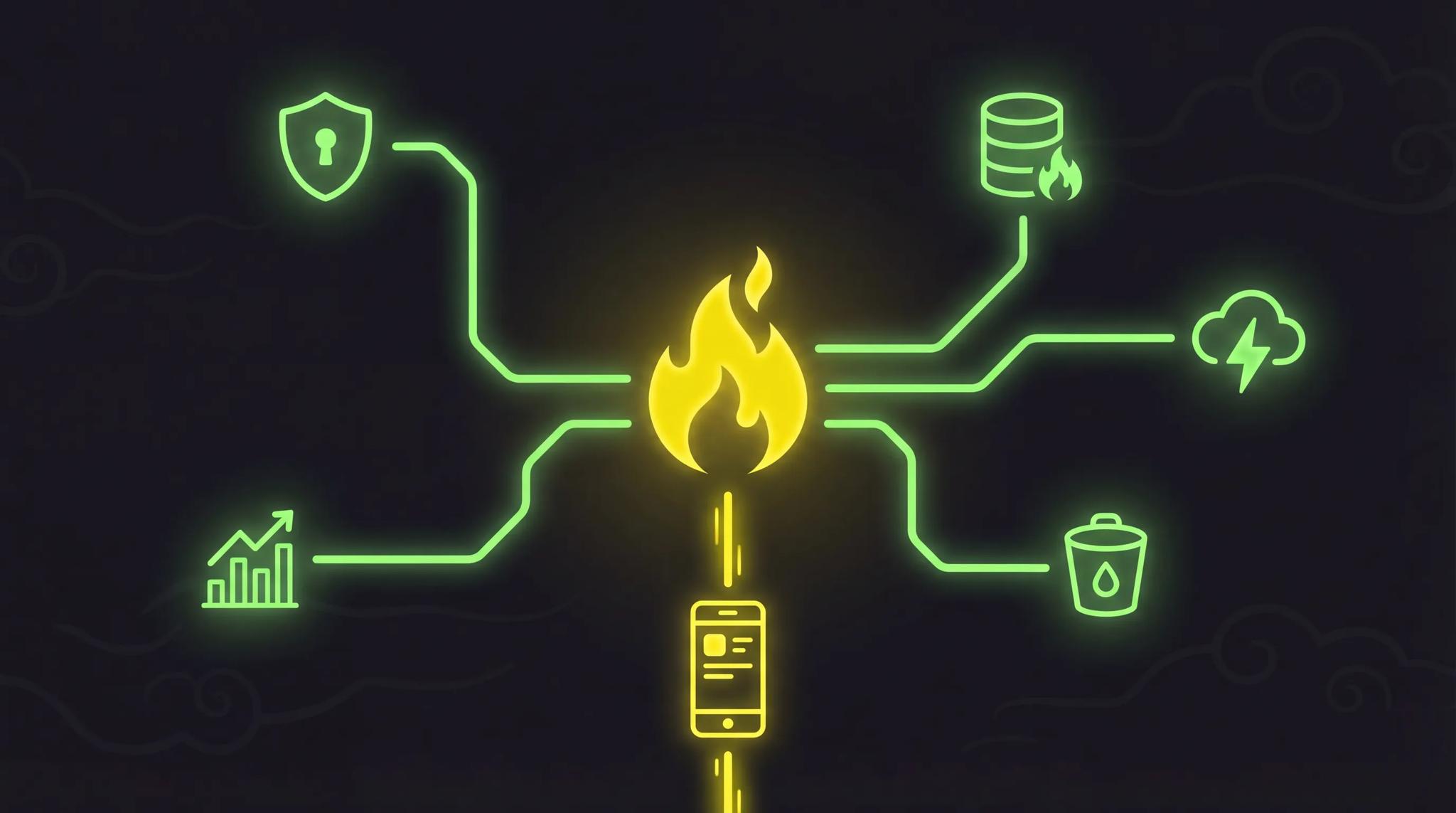

Firebase is the first stop for many developers when they need a backend. No server setup, no DevOps knowledge required, just get started. Sounds perfect, and for many projects, it is. But not for all of them.
I have been using Firebase in my Flutter projects for years. Push notifications, auth, Crashlytics, all of that runs in several of my production apps. Still, Firebase is not my main backend. Why? I will explain in this article.
Quick Summary
- Firebase backend is ideal for rapid prototyping and MVPs, you save weeks of development time
- The Flutter integration (FlutterFire) is the best on the market, no other BaaS comes close
- Costs can skyrocket with growing user numbers if you are not careful
- For complex queries and relational data, Firestore is the wrong choice
- Firebase as a backend is especially worthwhile for solo developers and small teams
What Is Firebase?
Firebase is Google's Backend-as-a-Service (BaaS) platform. Instead of setting up your own backend, you use Google's infrastructure. Database, authentication, storage, hosting, all from a single source.
The promise: you focus on your app, Firebase handles the rest. No server management, no scaling issues, no DevOps. At least in theory.
In practice, that holds true for smaller projects. You create a Firebase project, integrate the SDK, and have a working backend in 30 minutes. For developers who have never built their own backend, that is a game changer.
Firebase Services at a Glance
Firebase is not a single service but a collection of tools. Here are the most important ones:
| Service | What It Does |
|---|---|
| Cloud Firestore | NoSQL database with real-time sync |
| Authentication | Login via email, Google, Apple, etc. |
| Cloud Functions | Serverless backend logic (Node.js, Python) |
| Cloud Storage | Store files (images, videos, PDFs) |
| Hosting | Host static websites and SPAs |
| Analytics | Track user behavior |
| Crashlytics | Crash reports in real time |
| Remote Config | Change app behavior without an update |
| Cloud Messaging | Push notifications for iOS and Android |
You do not have to use all of them. That is the beauty of it, you pick what you need. In my projects, for example, I use Firebase Auth and Cloud Messaging, but for the database I rely on my own solution.
Benefits of Firebase as a Backend
Rapid Prototyping
The biggest advantage: speed. You have an app idea and want to test it quickly? With Firebase, you have a working backend in a single day. Auth, database, storage, all ready to go. That easily saves you 2 to 4 weeks compared to building your own backend.
Real-Time Synchronization
Firestore synchronizes data in real time across all clients. Chat app, collaboration tool, live dashboard, all out of the box. You subscribe to a collection, and changes arrive instantly for all users. No WebSocket setup, no polling.
Auth Out of the Box
Firebase Authentication is fantastic. Google login, Apple Sign-In, email/password, phone number, all in just a few lines of code. Including token management, password reset, and account linking. Building that yourself would take weeks.
Flutter Integration (FlutterFire)
This is where Firebase shines the most. FlutterFire is the official Firebase SDK for Flutter, and it is really good. The packages are actively maintained, the documentation is top-notch, and the integration feels native. No other BaaS has such a strong Flutter integration.
Generous Free Tier
The Spark Plan (free) is enough for many small projects:
- 1 GB Firestore storage
- 50,000 reads / day
- 20,000 writes / day
- 10 GB hosting
- 50,000 auth verifications / month
For an MVP or a prototype, you pay nothing at first. That lowers the barrier to entry enormously, especially when you already have to calculate the cost of app development.
Google Infrastructure
Your Firebase backend runs on Google Cloud. That means: automatic scaling, global availability, and reliability. You do not have to worry about server maintenance, backups, or uptime.
Limitations and Drawbacks
Now let's be honest. Firebase has real limitations, and you should know them before building your entire project on it.
Vendor Lock-In
This is the elephant in the room. If you use Firestore, you are tied to Google. Your data, your queries, your security rules, everything is Firebase-specific. Migrating to another system is costly. Not impossible, but not fun either.
Limited Queries
Firestore is a NoSQL database. That means: no JOINs, no complex WHERE clauses, no server-side aggregations (at least not without Cloud Functions). If you have relational data, users have orders, orders have products, products have categories, things get ugly fast.
You have to denormalize your data, meaning you accept duplicates. It works, but it is a different mindset than SQL databases.
Costs Can Explode
The Firebase pricing model is based on reads, writes, and storage. Sounds fair, until your app grows. A poorly optimized listener on a collection with 10,000 documents? It re-reads all 10,000 documents on every change. That is 10,000 reads per update. Per user. It adds up quickly.
I have seen projects where Firebase costs jumped from 0 to 500 euros per month just because a listener was not configured properly.
Cloud Functions: Limited and Slow
Cloud Functions are Google's serverless solution for backend logic. For simple triggers and webhooks, they are fine. For complex business logic? Not so much.
The problem: cold starts. If a function has not been called in a while, it takes 2 to 5 seconds to spin up. Users notice that. On top of that, you are limited to Node.js or Python, no Dart, no Go, no free choice.
No Relational Database
If your data model is relational, you are fighting against Firestore. Yes, you can use subcollections and references. But that is no substitute for real SQL queries. For many apps, especially e-commerce, CRM, or data-intensive applications, a relational database is the better choice.
Firebase Costs: What You Actually Pay
The cost question is crucial for Firebase backend projects. Here are the two plans:
Spark Plan (free):
- Limited reads/writes per day
- No Cloud Functions (only limited)
- Sufficient for prototypes and small apps
Blaze Plan (pay-as-you-go):
- Pay only for what you use
- No monthly minimum
- Free tier is included, you only pay once you exceed it
Realistic Cost Examples
| Scenario | Monthly Cost |
|---|---|
| MVP, 100 users | 0 euros (Spark is enough) |
| Small app, 1,000 users | 5 to 20 euros |
| Medium app, 5,000 users | 30 to 100 euros |
| Growing app, 10,000 users | 80 to 300 euros |
| Poorly optimized, 10,000 users | 300 to 800 euros |
The difference between "optimized" and "poorly optimized" is real. Pagination, targeted queries, and avoiding unnecessary listeners make all the difference. Compared to a self-hosted backend, you save money on small projects, but for larger ones, it can get more expensive. The ongoing costs of an app are a topic you should calculate early on.
Firebase vs. Custom Backend
The central question: Firebase or build it yourself? Here is a direct comparison:
| Criterion | Firebase Backend | Custom Backend |
|---|---|---|
| Cost (small) | Free to cheap | 50 to 200 euros/month |
| Cost (large) | Can get expensive | More predictable |
| Flexibility | Limited | Full control |
| Control | Google sets the rules | You decide everything |
| Scaling | Automatic | You handle it yourself |
| Learning curve | Low | Medium to high |
| Time-to-market | Very fast | Slower |
| Vendor lock-in | Yes | No |
My take: For MVPs and prototypes, Firebase is almost always the right choice. For production apps with a long-term perspective, I prefer a custom backend, the control and flexibility outweigh the extra effort. I described what a production backend looks like in practice in a separate article.
And if you are wondering how the communication between app and backend works: REST vs. GraphQL is a good starting point.
When Is Firebase Worth It?
Firebase is the right choice when:
- You are building an MVP or prototype and want to validate quickly
- You are developing a real-time app (chat, collaboration, live data)
- You work as a solo developer or small team and do not have a backend team
- Your app primarily does CRUD operations (create, read, update, delete)
- You use Flutter, FlutterFire is simply too good to ignore
Firebase is the wrong choice when:
- You need complex queries (JOINs, aggregations, full-text search)
- You want full control over your backend
- Your app needs to scale to large user numbers and costs are critical
- You have relational data that does not fit well into a NoSQL model
- Data privacy and data sovereignty are top priorities (data is stored with Google)
Firebase with Flutter: My Experience
I have been developing apps with Flutter for years and use Firebase in almost every project, but not as my main backend. Here is my setup:
What I use Firebase for:
- Push notifications via Cloud Messaging, works reliably on iOS and Android
- Crashlytics, indispensable for error tracking in production
- Remote Config, change app behavior without a store update
- Auth, for projects where I want to get started quickly
What I do not use Firebase for:
- Main database, I use my own databases with more flexibility
- Complex backend logic, I use my own servers for that
- File storage for large volumes of data, S3 or a custom solution is cheaper
FlutterFire Setup
The setup is straightforward. The FlutterFire CLI generates the configuration for you automatically:
dart pub global activate flutterfire_cli
flutterfire configure
Then you initialize Firebase in your app:
import 'package:firebase_core/firebase_core.dart';

void main() async {
  WidgetsFlutterBinding.ensureInitialized();
  await Firebase.initializeApp();
  runApp(MyApp());
}
Done. In 10 minutes you have Firebase in your Flutter app.
What Annoys Me
Honestly: Firestore costs are hard to predict. You never know exactly how many reads your app produces until you see it live. The Firebase dashboard shows you the usage, but often only after the bill has already arrived.
Also: Cloud Functions deployments are slow. Every deployment takes 1 to 3 minutes. With my own backend, I push in 20 seconds.
My take: Firebase as a backend is a tool, not a silver bullet. Use it for what it does well, auth, push notifications, Crashlytics, real-time sync. For the rest, build something of your own or check out alternatives like Supabase or Appwrite.
Frequently Asked Questions
Yes, but with caveats. For apps with up to 10,000 users and simple data structures, a Firebase backend works very well in production. With complex requirements or large user numbers, however, you will hit limitations, both in terms of cost and flexibility. Many successful apps use Firebase for individual services (auth, push) and a custom backend for the rest.
The Spark Plan is completely free and sufficient for small projects. On the Blaze Plan, you only pay for what you use. Realistic costs for an app with 1,000 to 5,000 users are between 5 and 100 euros per month. The exact costs depend heavily on how well you optimize your queries. Poorly configured listeners can drive costs up quickly.
Absolutely, and it is the best combination on the market. FlutterFire, the official Firebase SDK for Flutter, is actively maintained by Google. Auth, Firestore, Cloud Messaging, Crashlytics, everything can be integrated in just a few minutes. The documentation is excellent and the community is large.
The best-known alternatives are Supabase (open source, PostgreSQL-based), Appwrite (open source, self-hosting possible), and AWS Amplify (Amazon's counterpart). Supabase is particularly interesting if you have relational data and still want to get started quickly. Or you build your own backend, more effort, but full control.
That is the hard part. Firestore data can be exported, but your security rules, Cloud Functions, and the entire architecture are Firebase-specific. A migration essentially means rebuilding your backend from scratch. My tip: if you know from the start that you are planning long-term, encapsulate the Firebase logic in your app behind abstraction layers. That way, switching is at least easier on the client side.