

Code is no longer the bottleneck
An AI writes you a whole feature in a few minutes now. That's not the problem anymore.
The problem comes after: does the thing actually work? You start the app, tap through the flow, look at the screen, read the logs, fix something, hot reload, repeat. That loop stays on your plate even when the agent finished long ago.
In my post about solo developers I wrote that testing is the new bottleneck. At FlutterCon 2026, Mateusz presented a tool that goes straight at it: Marionette MCP.
What Marionette is
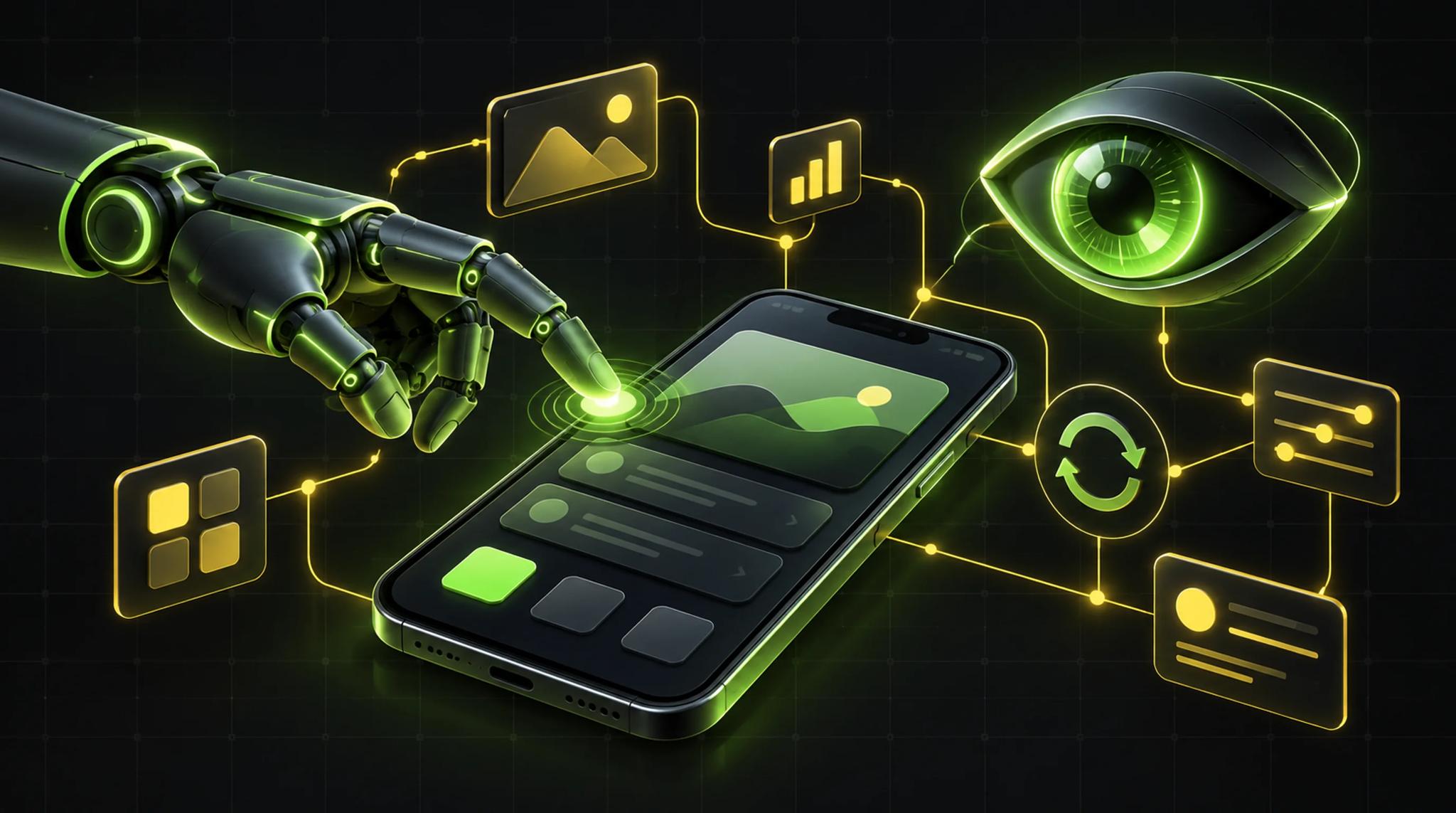
Marionette is an open-source library for Flutter. The idea in one sentence: your AI agent gets eyes and hands inside the running app.
So the agent doesn't just write code. It can start the app, look at it, use it and check it. Mateusz calls this closing the loop. Write code, run it, observe, verify, without you sitting next to it.
The origin story is fun. It started with a tweet from the Flutter community asking for a Playwright MCP for Flutter apps. His team already had something similar internally for building their own agents. Nine days later the public API was ready and Marionette was out. The same team is behind Patrol.
Why pixels are a bad API
The default way for AI agents today is "computer use". The agent takes screenshots, calls shell tools like ADB and, if needed, writes short Python scripts. That works pretty well by now. But Mateusz pointed out real weaknesses:
- A screenshot is just a pile of pixels. The model doesn't see widgets, it has to infer everything.
- When the layout changes, the reasoning changes. Results aren't deterministic.
- Computer use is generic. Android means ADB and UI Automator, iOS needs Xcode tooling, web means DOM and HTML. Add desktop and, as he put it, you have three different universes.
His example: in the team's conference app, the agent had to find one specific talk in an agenda of 25 items. With Marionette that took about 16 seconds and a handful of tool calls. With generic computer use it took roughly two and a half to three minutes, more tokens, more calls. Run it again and you might get something different, because the agent may start with another scroll offset.
That matches my gut feeling. When an agent has to guess how far to scroll, it's chance with compute attached.
How Marionette works
Marionette builds on what Flutter already has. In debug or profile builds, the VM Service is running. DevTools and the debugger use it too. Marionette sits in between as a local MCP server: your agent on one side, your running app on the other.
Because Flutter has the same widgets everywhere, the same protocol works on Android, iOS, web and desktop. No platform-specific tricks.
Setup is short:
- Activate Marionette MCP. According to Mateusz you can just tell your agent to do it, it takes seconds.
- Add
marionette_flutterto the app. - Register the MCP with your AI tool (he uses Claude).
- Initialize the Marionette binding in the debug build. Not in release.
Eyes and hands
Mateusz splits the tools into two groups.
Eyes: The agent can fetch interactive elements, take screenshots and read Flutter logs. The key point: there's deliberately no full widget tree dump. The team started with that and realized it's way too much context. Instead you only get elements a human could interact with. In his example it was around 150,000 tokens for the full screen versus about 3,600 for the interactive elements. You can adjust the filter to fit your design system.
Hands: Taps, text input, scrolling, swipes and other gestures. Plus hot reload, so the loop actually runs.
Extensions: You can register your own tools that show up through MCP. His example is a tool called SeedAgenda that writes test data into the app. This is the part I find most interesting. Every app has states you rebuild by hand again and again for testing. An agent can do that now.
The demo: a notes feature, nobody watching
The prompt was simple: add a personal note to a session in the agenda.
What the agent did next was impressive:
- It first connected to the app and navigated to where the feature should go. Only then did it write code. According to Mateusz, that wasn't prompted.
- After coding: hot reload, check the screen, find the note field, target it by key, enter text, scroll to the save button, tap.
- Then leave the screen and come back to check persistence.
- Then open a different tab to see whether the note is stored per session and not for the whole app.
- Finally it checked whether the data really landed in storage. A human would probably skip that.
After a few minutes the feature was built and verified. Mateusz could have gone for a coffee in the meantime. His point: the more agents you run in parallel, the more it matters that they don't keep asking for human input.
Cost: compact mode and decision models
I liked the honest status check. When computer use got better, the team found that Marionette was faster but not always cheaper. The answer was compact mode in version 0.7. Element descriptions are shorter because the model doesn't need verbose names. After that, Marionette was faster and cheaper again. The less predictable an app is, like long lists with unknown scroll distance, the bigger the lead.
Then came the part that surprised me most: very cheap decision models. Marionette observes, a small harness turns the observation into a fixed set of options, the model picks one, and the harness turns that back into an action. Computer use has unlimited options, and a model might write a 40-line script. A decision model needs a bounded list. Marionette provides exactly that.
In the live demo the model picked actions with 97 to 100 percent confidence most of the time, once with 70. A test where it had to scroll to list item 39 didn't succeed in the demo run. Mateusz showed that openly.
The numbers from the talk:
- Claude with ADB: about 40 cents per task
- Claude with Marionette: as low as about 10 cents
- Decision model with Marionette: fractions of a cent
What I think about it
I work with AI agents a lot, and verification really is the part that eats most of my time. I think the approach is right: if you know the framework, use the framework instead of handing the model pixels.
What I'll try:
- Add Marionette to a running client project and see how many review rounds the agent handles alone.
- Write my own seed tools for states I currently set up by hand.
- Use it as an addition to classic tests, not a replacement. An agent clicking through the app once doesn't replace a proper test suite in your CI/CD pipeline.
What I don't know yet is how well this holds up in big apps with many screens and real backends. I'll only know once I've tried it. More on how I see AI in daily dev work in AI in app development.
Conclusion
Marionette solves a concrete problem: agents write code fast but check it poorly. Through the VM Service they get structured information instead of pixels, which is faster, more stable and, with compact mode, cheaper.
It's free and open source. If you work with Flutter and use AI agents, it's worth an hour of experimenting.
Frequently asked questions (FAQ)
An open-source library that gives AI agents access to a running Flutter app. The agent can read elements, grab screenshots and logs, tap, scroll, enter text and trigger hot reload.
No. According to the talk it's meant for debug builds, optionally profile. The connection runs through the VM Service, which isn't available in release.
No. It's supposed to work with the common agent tools. Only GitHub Copilot needed a special fix at first because it uses the MCP protocol a bit differently. That's fixed according to the talk.
There's a Marionette CLI on pub.dev. It runs the same code underneath, just without MCP. It's meant for companies where MCP servers have a hard time getting security approval.
In my opinion, no. Marionette helps the agent check its own work right away. You still need automated tests that run on every change.
This article was inspired by the talk "Marionette MCP for Deterministic AI Verification in Flutter Apps" by Mateusz at FlutterCon 2026.
