
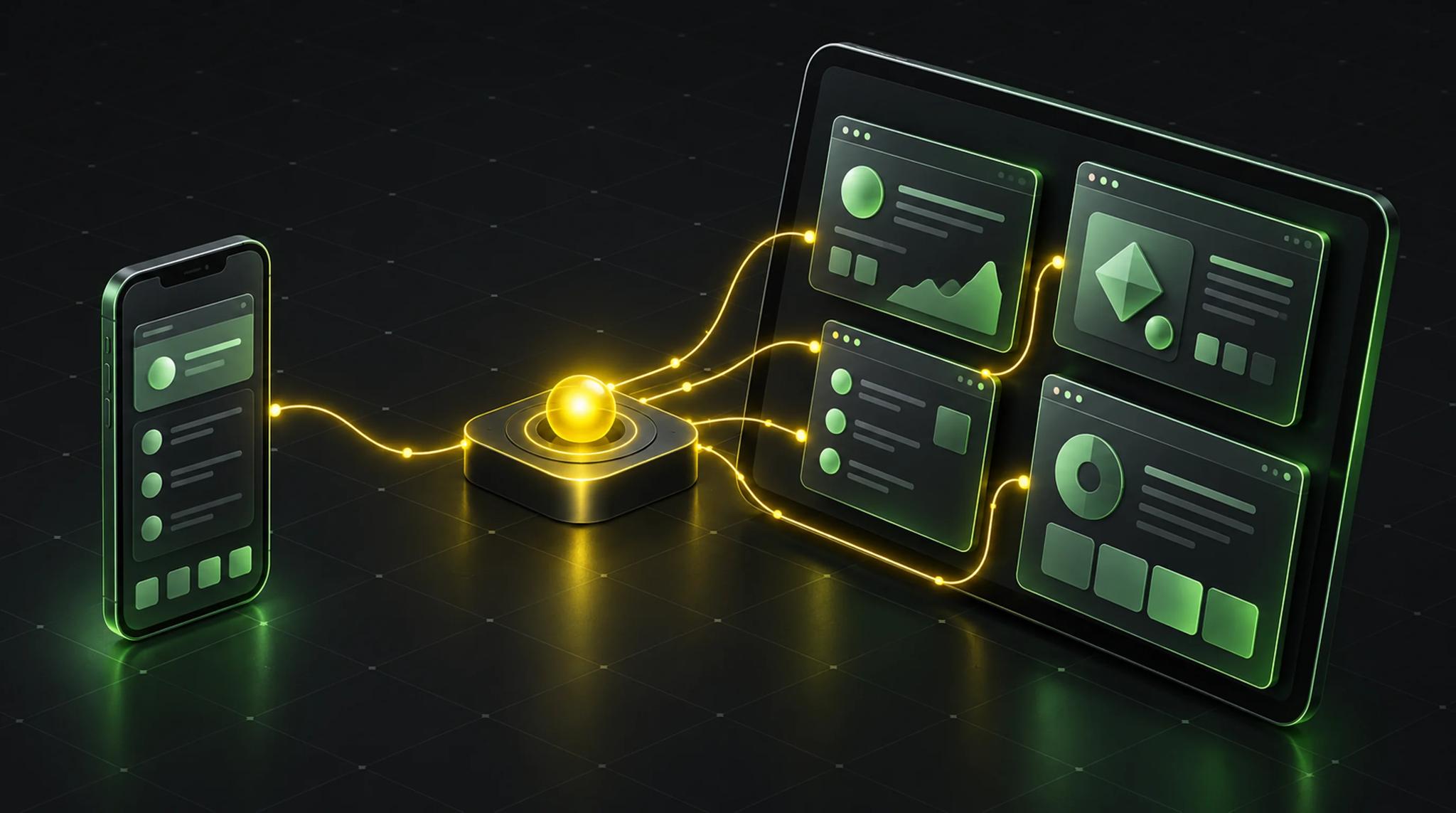

We think about phones too much
One talk at FlutterCon 2026 caught me out. I build Flutter apps almost exclusively for the phone. Everything else comes along for the ride.
David Castaño from Very Good Ventures called that out. When we say "Flutter", we usually mean Android and iOS on a smartphone. But there is iPadOS. And Android runs on far more device types than phones.
His point: the hardware is ahead of our apps.
The problem: scaled-up iPhone apps
An iPad Pro with an M4 or M5 is a seriously strong device. Yet it mostly runs the same apps as the iPhone, just bigger or stuck in a small window.
The example from the talk: if you only target iPhone in Xcode, your app runs on the iPad in a small 390 x 844 point window with empty space around it. You can't stretch it.
The first fix is tiny. Enable iPad support in the project settings. Without that, there is no stretching, no matter how good your layout is.
But that only opens the door. After that you need layouts that can handle it.
Step 1: the scene lifecycle becomes mandatory
This is the part where I perked up as an agency owner, because it affects every existing iOS app.
Until now an iOS app had an app lifecycle: one window, one engine. Apple is splitting that up. Windows become scenes with their own lifecycle. According to the talk, this scene lifecycle is required from SDK 27 on. If you haven't adopted it, your app crashes right away when built with the new SDK. The speaker showed it live.
The trigger, per the talk, is Apple bringing multi-window to the iPhone with the upcoming dual-screen device, called "iPhone Duo" in the presentation. It is the first time Apple does this on an iPhone.
What does that mean in practice?
- Newer Flutter versions ship the scene boilerplate. The speaker named "3.3.41" as the version, which is probably misheard. Check for yourself from which Flutter version this applies to you.
- With the stock app delegate, migration happens automatically.
- With a custom app delegate or scene delegate, you migrate by hand. Wire the router, register plugins properly.
I think this: if you have an older app nobody has touched in a year, put this on your maintenance list. No panic, but plan for it. I wrote about why ongoing upkeep is part of owning an app in what an app costs to run.
Step 2: adaptive layouts instead of device logic
Once iPad support is on, you need layouts that adapt. The advice from the talk is down to earth.
Look at the box, not the device
Don't ask whether you are on a phone or a tablet. Ask how big the container holding your content is. Today it's a phone, tomorrow a tablet, later maybe a TV or a screen you can stretch indefinitely. If you think in constraints, you are ready for all of it.
Bricks, not walls
The image that stuck with me: "bricks, not walls". Build your UI from small, independent pieces instead of giant pages.
This applies to state too. If widgets and their state are granular, you can put a widget on a different screen and it works there with the right state. On the phone you show one note. On the iPad you show the list, the note and the tools side by side, with no switching between views.
That matches how I think about state management in Flutter. Small, well-scoped Cubits are easier to recombine than a Bloc that owns half the screen. That is my experience, not part of the talk.
The speaker pointed to the official docs at docs.flutter.dev/ui/adaptive-responsive via QR code.
What you get out of it
You use the space better. More content at once, fewer view changes. And you are ready for new form factors, such as devices with two screens that change layout when you open, close or rotate them.
One example from the talk: Google's Edge Gallery app for local AI on the iPad. The speaker found it a pity that it doesn't get more out of such a strong device. That doesn't need a multi-window architecture, just a better layout.
Step 3: multi-window, where it makes sense
Now it gets architectural. And I'll say it upfront: most apps don't need this.
Why the architecture changes
The operating system owns the window system, not the Flutter engine. Every new window gets its own Flutter engine. Whatever lived in one engine, services, state, shared components, is gone once that engine closes.
On iOS you enable multi-window in the manifest by setting support for multiple scenes to true. It is off by default.
One hub, many windows
The proposed solution: one central headless engine and several UI engines, one per window.
- The headless engine has no UI. It holds the shared state, services and repositories.
- The UI engines handle rendering and navigation in their own window.
UI logic stays in the window, app-wide logic stays in the hub. If the user closes a window, no state is lost.
Communication runs over Dart ports and an isolate name server. Each side registers a port, basically an inbox. When something changes in a window, the change goes to the hub. The hub broadcasts the new state to all windows, so they stay in sync.
Android works the same way, with tasks and activities instead of scenes.
One easy-to-miss detail: you can't use UI plugins in the headless engine, or it crashes. UI plugins run in the UI engines, logic runs in the hub.
The window router
Open question: why wouldn't every new window just show the same start screen? The answer is a window router, a kind of window factory. You pass parameters when opening a window, and the router decides which widget tree to load.
The demo
The speaker built a notes app that doubled as a conference agenda. You write notes, each in its own window, side by side and resizable. It feels like desktop software. On the dual-screen simulator, the same app ran with split view and multiple windows, and the layout adapted when opening and rotating.
Plugins are the catch
This was the most practical part for me. Many plugins don't support the new lifecycle yet. According to the talk, the results: the plugin does nothing, the app crashes, or the UI shows up in the wrong window.
Plugins used to lean on the key window. Now they have to know which scene called them and show their UI there. That means moving from the app delegate to the scene delegate.
My take: before you move a project to the new lifecycle, go through your dependencies. If you use plugins with native UI, like camera, document scanners or login dialogs, check those first. That is my own advice. The talk didn't name any specific plugins.
What this means for client projects
Here is how I sort it. This is my opinion, not the speaker's.
Scene lifecycle: mandatory. This is the only item that forces your hand. Put existing iOS apps on the list for the next maintenance window.
iPad support: often a cheap win. If your audience uses iPads, say in healthcare, hospitality or on construction sites, a proper tablet layout pays off. The effort depends on how granular the app is built. If you wonder whether Flutter is up to this: it is exactly why I like Flutter. One codebase, several form factors.
Multi-window: only with a clear benefit. A booking app doesn't need multi-window. An editor, a dashboard or a tool with several parallel documents might. The effort is real, because you add a second layer of architecture.
Thinking desktop pays off. If you design for several windows and sizes, you usually build cleaner. That helps with Flutter on the web just as much as on the tablet.
If you are thinking about having an app built, tell me early which devices it should run on. That changes layout and architecture.
Conclusion
The talk wasn't a call to rebuild everything for multi-window. It says: think beyond the phone. The scene lifecycle is the obligation, adaptive layouts are the opportunity, and multi-window with a headless hub is only for apps that should work like desktop software.
What I take away: check old iOS apps, move layouts to constraints and small building blocks, check plugins before things blow up.
Frequently asked questions (FAQ)
According to the talk, yes, if you build for iOS with SDK 27 or newer. An app without the scene lifecycle crashes there. With the stock app delegate it migrates automatically. With custom delegates you have to do it by hand.
Because only iPhone is set as the target in Xcode. If you enable iPad support in the project settings, the app can be stretched. After that you need a layout that can handle different sizes.
No. For most apps an adaptive layout that reacts to the container size is enough. Multi-window is an extra step for apps where users want to open several pieces of content in their own windows at the same time.
A Flutter engine without a user interface. In the approach shown, it holds the shared state and services, while each window has its own UI engine. Communication runs over Dart ports. You can't use UI plugins there.
Yes. Plugins that rely on the old key window have to move to scenes. Otherwise they don't work, crash or show their UI in the wrong window. Check your dependencies before you migrate.
This article was inspired by the talk on multi-window and adaptive UIs in Flutter by David Castaño (Very Good Ventures) at FlutterCon 2026.
