

Learn Flutter in 2026: The Complete Beginner's Guide
Thinking about learning Flutter? Great choice! As someone who's been working with Flutter for years and shipped several apps, I can tell you: there's hardly any framework that delivers productive results as quickly.
In this guide, I'll show you the best way to start with Flutter in 2026, whether you're a complete programming newbie or coming from another language.
Why Learn Flutter in 2026?
Quick and simple:
- One codebase, many platforms: iOS, Android, Web, Desktop, all from one project
- Hot Reload: See changes instantly, no restart needed
- Huge community: Over 160,000 packages on pub.dev
- Job market: Demand for Flutter developers keeps growing
- Google-backed: Active development, regular updates (currently Flutter 3.38)
I started with React Native and switched to Flutter. The difference in developer experience is massive, fewer bugs, faster builds, better performance.
What You Should Know Beforehand
Good news: You don't need any prior mobile development experience.
Helpful but not required:
- Basic understanding of programming (variables, loops, functions)
- Experience with object-oriented programming
- English reading comprehension (the best docs are in English)
If you've never programmed before: No problem. Dart (the language behind Flutter) is beginner-friendly. Just plan for 2-3 extra weeks.
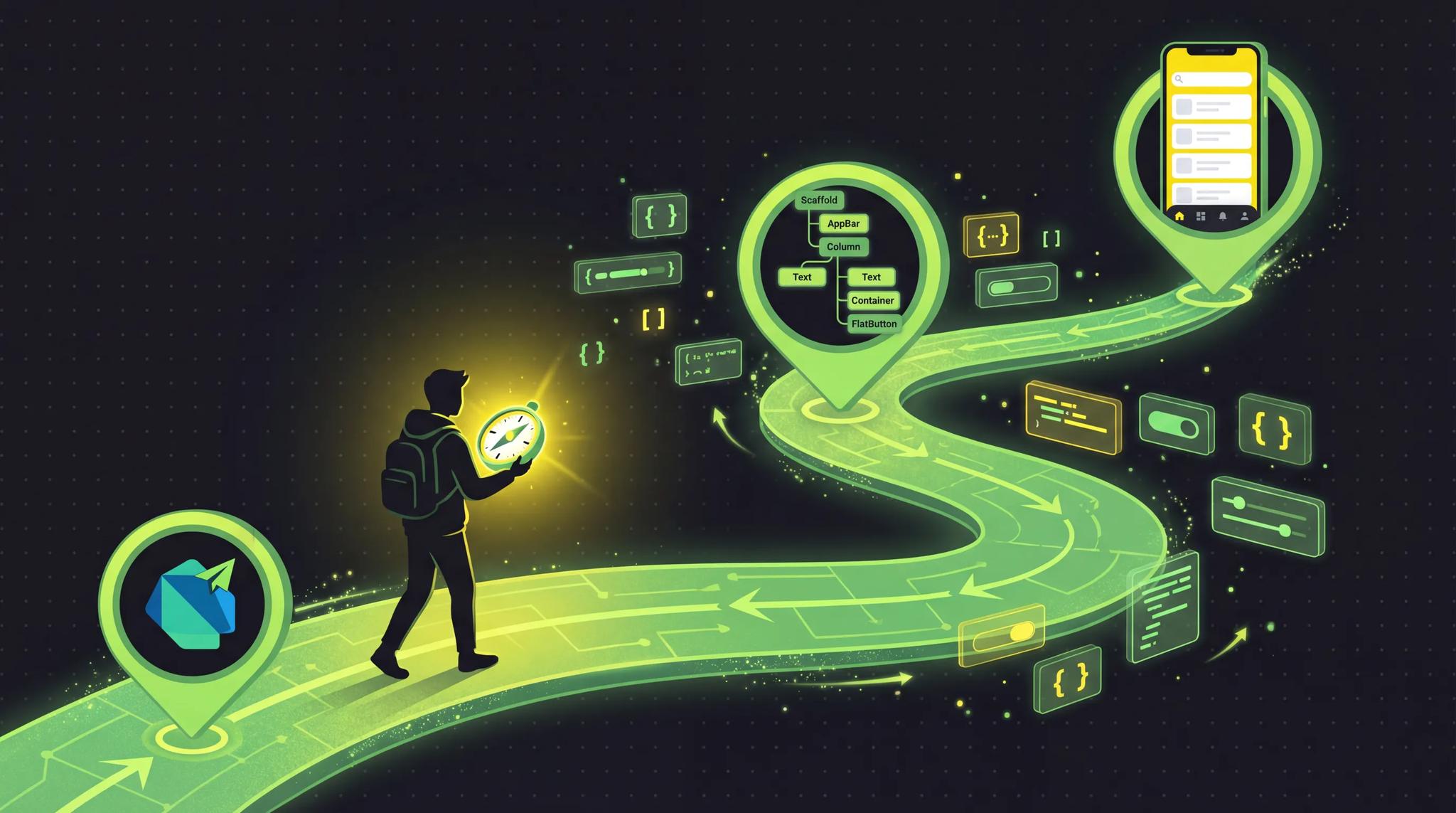
Your Learning Roadmap (12 Weeks)
Here's my proven plan:
Week 1-2: Dart Basics
Before touching Flutter, learn Dart. Sounds boring, but it'll save you hours later.
What you should learn:
- Variables and data types (
var,int,String,bool) - Control structures (
if,for,while) - Functions and parameters
- Classes and objects
- Null Safety (important in Dart!)
Your first Dart program:
void main() {
  String name = 'Flutter Beginner';
  int weeks = 12;

  print('Hello $name!');
  print('In $weeks weeks you\'ll be ready for your first app.');

  for (int i = 1; i <= weeks; i++) {
    print('Week $i: Keep going! 💪');
  }
}
Resources:
- DartPad, Online editor, perfect for experimenting
- Dart Language Tour, Official introduction
- Dart Cheatsheet, Quick reference
Week 3-4: Flutter Fundamentals
Now it gets exciting! Installation and first widgets.
Setup (one-time ~1-2 hours):
- Install Flutter SDK: docs.flutter.dev/install
- Set up IDE (VS Code or Android Studio)
- Configure emulator/simulator
Your first Flutter project:
import 'package:flutter/material.dart';

void main() {
  runApp(const MyApp());
}

class MyApp extends StatelessWidget {
  const MyApp({super.key});

  @override
  Widget build(BuildContext context) {
    return MaterialApp(
      home: Scaffold(
        appBar: AppBar(
          title: const Text('My First App'),
        ),
        body: const Center(
          child: Text(
            'Hello Flutter! 🎉',
            style: TextStyle(fontSize: 24),
          ),
        ),
      ),
    );
  }
}
Important widgets to learn:
- Layout:
Container,Row,Column,Stack - Interaction:
GestureDetector,InkWell - Lists:
ListView,GridView - Input:
TextField,Button
Week 5-6: Understanding State Management
The point where many beginners struggle. But don't panic!
Start simple with StatefulWidget:
class Counter extends StatefulWidget {
  const Counter({super.key});

  @override
  State<Counter> createState() => _CounterState();
}

class _CounterState extends State<Counter> {
  int _count = 0;

  @override
  Widget build(BuildContext context) {
    return Column(
      children: [
        Text('Count: $_count'),
        ElevatedButton(
          onPressed: () => setState(() => _count++),
          child: const Text('Increment'),
        ),
      ],
    );
  }
}
Then learn Provider, the official state management for beginners: You can find the comparison of the options in Flutter state management 2026.
- Provider Package
- Simpler than Riverpod or Bloc (you can learn those later)
Week 7-8: Navigation & Routing
Apps have multiple screens, here's how to navigate between them:
// Simple navigation
Navigator.push(
  context,
  MaterialPageRoute(builder: (context) => const SecondScreen()),
);

// Navigate back
Navigator.pop(context);
Also learn:
- Named Routes
- Passing parameters
- GoRouter (for more complex apps)
Week 9-10: APIs & Data
Time to connect your app to the real world:
import 'package:http/http.dart' as http;
import 'dart:convert';

Future<List<User>> fetchUsers() async {
  final response = await http.get(
    Uri.parse('https://api.example.com/users'),
  );

  if (response.statusCode == 200) {
    final List<dynamic> data = json.decode(response.body);
    return data.map((json) => User.fromJson(json)).toList();
  } else {
    throw Exception('Failed to load');
  }
}
Important packages:
httpordiofor API callsshared_preferencesfor local datasqflitefor SQLite databases
Week 11-12: Your First Project
Now you build something of your own! Project ideas for beginners:
- Todo App, Classic, covers all basics
- Weather App, Learn API integration
- Notes App, Local data storage
- Quiz App, Practice state management
My tip: Build something you'd actually use yourself. The motivation lasts longer.
The Best Learning Resources in 2026
Free
| Resource | Description | Link |
|---|---|---|
| Flutter Docs | Official documentation, best source | docs.flutter.dev |
| Flutter Codelabs | Interactive tutorials from Google | codelabs.developers.google.com |
| Flutter YouTube | Official channel with tutorials | youtube.com/@flutterdev |
| The Boring Show | Real app development with explanations | YouTube Playlist |
| Fireship | Quick, practical tutorials | youtube.com/@Fireship |
Paid (worth it)
- Udemy Courses, Often on sale for ~$15. Look for "Flutter & Dart - The Complete Guide" by Maximilian Schwarzmüller
- Flutteristas Academy, Community-based, well structured
- Flutter Apprentice (Book), From raywenderlich.com, very thorough
Communities
Common Beginner Mistakes (and How to Avoid Them)
After years in the Flutter community, I see the same mistakes over and over:
1. Skipping Dart
Problem: Jumping straight into Flutter, ignoring Dart. Solution: 2 weeks of Dart basics. Saves you lots of frustration later.
2. Overly Complex State Management
Problem: Wanting to learn Bloc or Riverpod immediately.
Solution: Start with setState, then Provider. Bloc later.
3. Building Everything Yourself
Problem: Building every widget from scratch. Solution: Use pub.dev, there are packages for almost everything.
4. Not Writing Tests
Problem: "I'll write tests later." Solution: Learn at least widget tests. Your future self will thank you.
5. Confusing Hot Reload vs Hot Restart
Problem: Wondering why changes don't appear. Solution:
- Hot Reload (r): UI changes
- Hot Restart (R): Reset state, new dependencies
Time Investment: Be Realistic
Based on my experience with beginners:
| Situation | Time to First App |
|---|---|
| Programming experience | 4-6 weeks |
| Other app frameworks known | 2-4 weeks |
| Complete beginner | 8-12 weeks |
Per day: 1-2 hours of focused learning is more effective than 5 hours of half-hearted tutorial-hopping.
What Comes After the Basics?
Once you've got the fundamentals down:
- Advanced State Management: Riverpod, Bloc
- Animations: Implicit & Explicit Animations
- Testing: Unit, Widget, Integration Tests
- Firebase Integration: Auth, Firestore, Analytics
- App Store Deployment: iOS & Android Publishing (note the new verification requirement on Google Play)
- Performance Optimization: DevTools, Profiling
Conclusion: Just Start
The best time to learn Flutter was yesterday. The second best is now. Where Flutter is heading is in the Flutter roadmap 2026.
You don't need a perfect plan. You don't need an expensive course. You just need:
- Open DartPad
- Write "Hello World"
- Keep going a little bit every day
In 3 months you'll have your first own app. In 6 months you'll be job-ready. In a year you'll wonder why you waited so long.
Happy Coding! 🚀
