
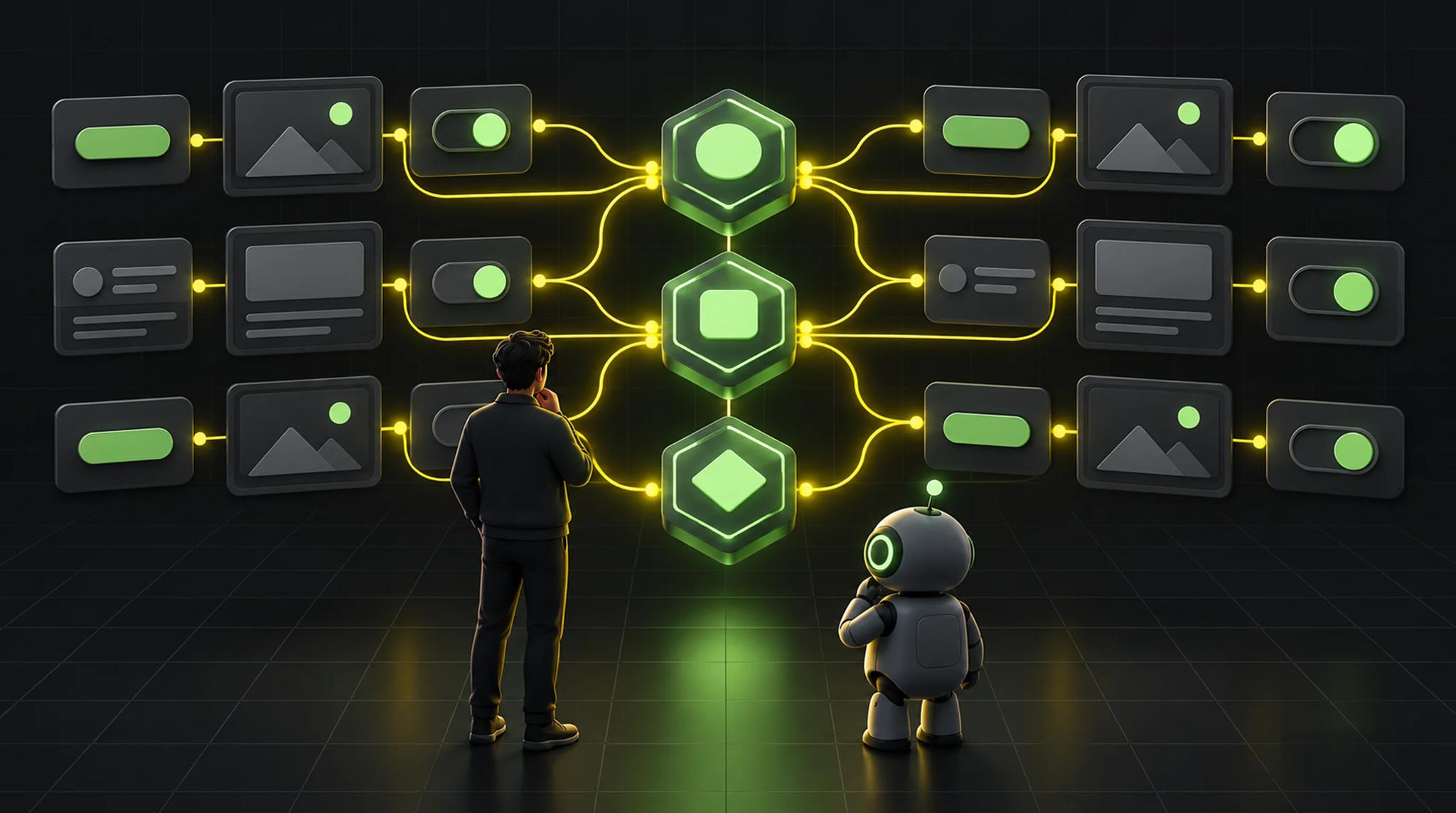

When your app slowly starts to look off
You might know this. The app is polished, everyone uses the same components, and still something looks slightly wrong. The primary button has two shades of blue on two screens. Spacing differs on pages that should be built the same way.
A talk at FlutterCon 2026 gave this a name: brand drift. The core idea is that nobody decides it. It's a pile of small shortcuts. An edge case, no time, a custom button built in a hurry. Alone, each one is fine. Then someone else reuses it somewhere else, and you don't notice because the team grew.
According to the talk, the problem isn't sloppy people. The reasoning behind a decision was never written down in a way the whole team can reuse.
That describes my own day-to-day pretty well. A second talk then looked at the same topic from a different angle: AI agents.
A design system is a language
The first talk explained the design system as a language, with vocabulary and grammar. The image holds up surprisingly well.
Vocabulary is tokens. A token is a named design decision: a color, a font size, a radius. The name decides everything. blue500 only tells you what the value is. color.action.primary tells you what it's for. The opposite are hard-wired values, as I explain in what is hardcoding?.
The difference shows up with dark mode or a rebrand. If every button points to blue300, you hunt for every usage. If it points to color.action.primary, you change one mapping. The button is tied to a role, not to a blue.
Grammar is components. Tokens say nothing about behavior. A component does: hover, pressed, disabled, loading. The speakers call it a contract. Designers know what's already built. Developers know which states they have to support.
One rule I'm taking from this: a component isn't done until every state and the full behavior is designed. Not when the color matches.
How Flutter speaks that language
On the technical side, the speakers compared Material, Cupertino and the widgets library:
- Material is mature and flexible enough. For most teams the pragmatic start.
- Cupertino is closer to Apple's Human Interface Guidelines, but customization is limited.
- Widgets is the lowest layer. Maximum control, but you build components and theming yourself.
If you use Material and need your own brand identity, you extend ThemeData with ThemeExtensions. That's where extra colors and component styles live. For interaction states there's WidgetStateProperty. You define once how a button reacts to hover, pressed or disabled, instead of rebuilding it on every screen.
I also liked the direction of the framework. Flutter keeps exposing more widgets through the widgets library, more independent from Material or Cupertino. That means more freedom for custom design systems.
If you want to go deeper into Flutter itself, why I love Flutter explains why I stick with it.
One package for design decisions
The speakers suggested a dedicated package, for example app_ui. Themes, tokens and components live there. Dependencies only point one way. app_ui knows nothing about your features.
A button may receive a text and a loading state. It must not know whether it's showing an order confirmation.
To keep the package from turning into a dumping ground, you need inclusion rules:
- Is it a shared design decision?
- Is it used across multiple features?
- Is it a reusable visual pattern without domain knowledge?
A button or a card goes in. A CheckoutSummary stays with its feature. On top of that comes a clear public API, so you can reorganize internals without every feature changing with it.
One detail I'm adopting right away: name things in code the same way they're named in Figma. If it's called Primary Button there, it's not BlueButton in your code. Every translation between names is a source of mistakes.
The twist: agents need the same order
Then the second talk. Dominik from Visible, a platform for people with chronic conditions, told how they made their codebase accessible to AI agents. His team is small, two to three developers over roughly four and a half years, with a focus on time to market. The result was what brand drift looks like in code: pages built with different conventions.
His observation in early 2026: agents invented new patterns and broke conventions. His example was a button named primary in the code that was actually the secondary button. A human knows the history. The agent looks for a primary button and grabs the wrong one.
What the team did:
- Unified component APIs, with clear names and behavior.
- Styles as enums instead of loose text styles with padding and extension methods.
- Constrained page layouts. Instead of writing raw widget trees, you pick through parameters what goes at the top and in the bottom bar. Those are configurations, not widgets.
- Unified design tokens. One label with the primary color, one with blue, one with navy: the same color to a human, a guessing game for an agent. On top of that, Figma hands out hex codes.
The line that stuck: these changes didn't just make the code more accessible to agents, but to humans too. Reviewing a 60-line PR full of raw widgets is overwhelming. With constraints and a live preview it's readable.
Previews instead of waiting
Both talks end up at the same idea: make components visible.
Talk one recommends a gallery app that shows all components in isolation: with states, variants, themes, text lengths and font sizes. Figma and implementation side by side reveal gaps immediately. The gallery runs in CI and deploys a fresh preview on every change.
Dominik's team built the same thing as a web playground. The trigger: a mobile build can take hours to reach a designer. With the playground, designers see new components right in the PR. The app also ran on macOS, so non-developers can start it without Android Studio and simulators. The result: designers started contributing code themselves.
Tests as guardrails
Without protection, a design system loses trust. The first talk relies on two kinds of tests:
- Widget tests check behavior: callbacks, state changes, what happens on tap.
- Golden tests check appearance. You save a snapshot, and CI compares every change against it. If the test fails, you decide together with design whether the new look was intentional.
This only works if it runs in CI and blocks the pull request. I think it's the cheapest way to make the right path the default path. My view on testing in general is in my post on Flutter state management.
Humans stay in the loop
The talks agree on one thing: technology alone isn't enough.
Talk one calls it governance. Is this a new token? Reuse a variant or create a new one? Exception or part of the system? Developers co-own the design system. And one argument I found pragmatic: talk about money. Stopping problems early is cheaper than fixing them across several sprints.
Dominik reported that reviews still caught mistakes despite several automated passes: a completely wrong line, an unnecessary new database table. His conclusion: you may not become a 25x or 50x developer, but you can be a 5x one.
I see it the same way. How I use AI in app development has its own post.
What I take from this
This is what I do in my own projects. It's my opinion, not the speakers':
- Name tokens by role, not by value. It's an afternoon of work and saves days on every rebrand.
- Create an
app_uipackage early, even for a small app. The later you do it, the more cleanup. - Only count a component as done once all states exist.
- Golden tests for the ten most important components. Not for everything.
- See constraints as a feature. A tight API helps the agent, the reviewer and you in three months.
Conclusion
Brand drift comes from shortcuts, not bad intent. Semantic tokens as vocabulary, components as contracts and tests as guardrails work against it.
The addition from the second talk: the same order that helps humans also helps AI agents. Clear names, tight APIs and visible previews get you better results from both.
Start small. One token scheme, one component with all its states, one golden test. The rest grows from there.
Frequently asked questions (FAQ)
Brand drift is how an app gradually becomes inconsistent through many small exceptions and shortcuts, even though everyone uses the same components. Typical signs are several variants of the same button or uneven spacing.
A token that describes the role instead of the value, such as color.action.primary instead of blue500. With dark mode or a rebrand you change the mapping in one place, not every component.
Widget tests for behavior (callbacks, states) and golden tests for appearance. Both belong in CI so inconsistent UI doesn't land on the main branch.
Include what is a shared design decision, is used across several features and has no domain knowledge, like a button or card. Feature-specific widgets like an order summary stay in their feature.
Agents don't see the history behind the code. If a button is named primary but is actually secondary, they pick the wrong one. Clear names, tight APIs and unambiguous tokens take the guessing out.
This article was inspired by two talks at FlutterCon 2026: one on design systems and brand drift in Flutter, and Dominik's (Visible) talk on readable Flutter code for humans and AI agents.
