

The short version
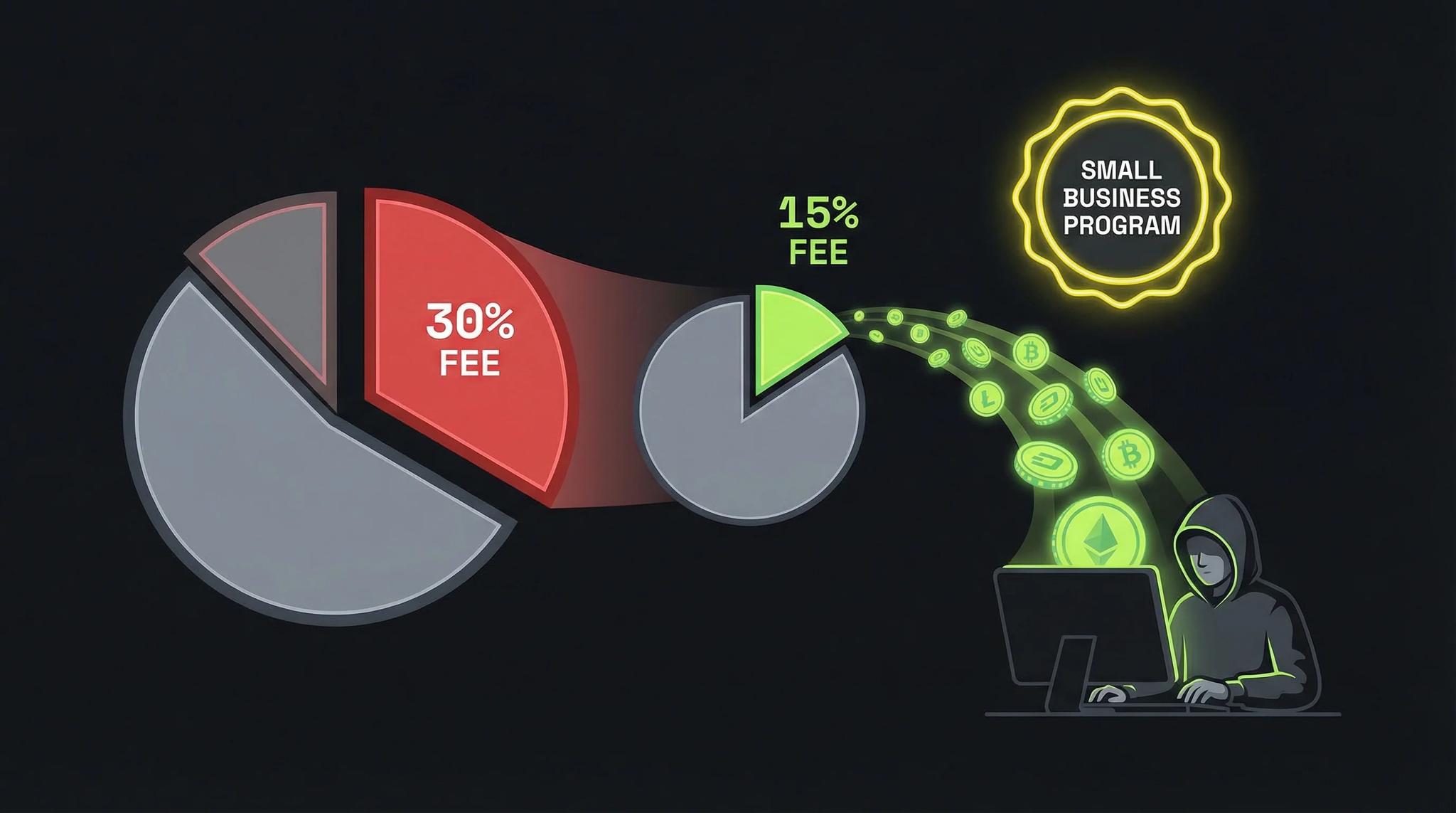
- Apple Small Business Program: 15% instead of 30% for developers under $1M USD revenue
- Google Play: automatic 15% on your first $1M USD per year
- Subscriptions on Google Play: always 15%
- Enrollment takes under 10 minutes
- EU: Additional options through the Digital Markets Act
I'll be honest: when I published my first app, I had no idea I only had to pay 15% instead of 30% in App Store fees. It took me months to discover the Small Business Program, and I kicked myself for not knowing sooner.
So you don't make the same mistake, here's everything you need to know about reduced fees on Apple and Google. With real numbers, step-by-step guides, and the pitfalls to watch out for.
What Are App Store Fees Anyway?
When you sell in-app purchases or paid apps through the App Store or Google Play, the platform takes a cut. This is called the App Store Commission or Service Fee.
The standard rate on both platforms is 30%. That means: out of $10 a user pays for your subscription, only $7 ends up with you.
But here's the thing: most indie developers and small studios don't have to pay 30%. There are reduced rates that hardly anyone knows about.
Apple Small Business Program: 15% Instead of 30%
Apple launched the Small Business Program in January 2021. It targets small developers and cuts the commission from 30% to 15%.
Who Qualifies?
You qualify for the program if:
- Your proceeds in the previous calendar year were under $1 million USD
- All your associated developer accounts combined stay under this threshold
- You have an active Apple Developer Program account
Important: Apple counts "proceeds" (that's your revenue after Apple's commission is deducted). So if you had $1.3M in gross sales but Apple already took 30%, your ~$910K in proceeds might still qualify you.
What Happens If I Exceed the Limit?
- If you cross the $1M threshold during the year, the 30% rate applies from that point on
- The next year, you can requalify if your earnings stay below the limit
- There's no penalty, you simply pay more once you exceed it
Step-by-Step: Enrolling with Apple
- Log in to App Store Connect (appstoreconnect.apple.com)
- Accept the latest Paid Apps Agreement (Schedule 2)
- Go to developer.apple.com/app-store/small-business-program/enroll
- List all associated developer accounts (Associated Developer Accounts)
- Confirm your information and submit
Approval usually comes within a few days. The reduced rate kicks in 15 days after the end of the month your enrollment is approved.
Associated Developer Accounts: What's That?
Apple wants to make sure big companies don't just create multiple small accounts. So you must list all accounts that:
- You own or control with more than 50% stake
- Own or control you with more than 50% stake
- Fall under your ultimate decision-making authority
If you're a solo developer with just one account, this is straightforward. With multiple accounts or corporate structures, check carefully which accounts count together.
Google Play Fee Structure: Even More Developer-Friendly
Google followed suit in 2021 and made their fee structure even more generous:
Google Play Service Fees
| Category | Fee |
|---|---|
| First $1M USD/year | 15% |
| Over $1M USD/year | 30% |
| All subscriptions | 15% |
| Media Experience Program | 15% or less |
The big difference from Apple: at Google, the 15% tier applies to your first $1 million USD every year, even if you earn more overall. You only pay the higher rate on the amount above $1M.
Even better: for auto-renewing subscriptions, it's always 15%, no matter how much you earn!
Step-by-Step: Enrolling with Google Play
- Open the Google Play Console (play.google.com/console)
- Go to Associated developer accounts
- Create an Account Group for all your linked accounts
- Confirm whether you have Associated Developer Accounts (ADAs)
- Accept the 15% Service Fee Terms of Service
- Click Accept and enroll
That's it! From enrollment, the reduced rate applies to all future transactions. Note that starting September 2026, developer verification on Google Play also becomes mandatory, make sure your account is verified in time.
Associated Developer Accounts at Google
Similar to Apple, you need to list linked accounts. Google also uses Brand Features as criteria:
- Developer name
- App or game name
- Characters, logos, unique designs
If you publish apps under different accounts with the same brand elements, they count together.
Real Calculations
Let's see what 15% means in practice:
Example 1: Indie Developer with $50,000 Annual Revenue
| 30% Fee | 15% Fee | Savings | |
|---|---|---|---|
| Gross Revenue | $50,000 | $50,000 | |
| Platform Fee | -$15,000 | -$7,500 | |
| Net to You | $35,000 | $42,500 | +$7,500 |
With the Small Business Program, you have $7,500 more in your pocket. That's almost a half-year contractor salary!
Example 2: Subscription App with 500 Paying Users at $9.99/month
Monthly Revenue: 500 × $9.99 = $4,995 Annual Revenue: ~$60,000
| 30% Fee | 15% Fee | Savings | |
|---|---|---|---|
| Annual Gross | $60,000 | $60,000 | |
| Platform Fee | -$18,000 | -$9,000 | |
| Net to You | $42,000 | $51,000 | +$9,000/year |
On Google Play, you pay only 15% on all subscriptions, even if you exceed $1M. This makes subscription models particularly attractive there.
Example 3: Successful App with $800,000 Annual Revenue
| Apple 30% | Apple 15% | Google (mixed) | |
|---|---|---|---|
| Gross | $800,000 | $800,000 | $800,000 |
| Fee | -$240,000 | -$120,000 | -$120,000* |
| Net | $560,000 | $680,000 | $680,000 |
*Google: 15% on entire $800,000 since it's under $1M threshold
Savings: $120,000. Enough for two full-time developers or massive marketing spend.
Special Case EU: Alternative Payment Methods
Since the Digital Markets Act (DMA), there are additional options in the EU:
Apple in the EU
- Developers can switch to alternative business terms
- This enables: external payment providers and app stores
- For Small Business Program + subscriptions in year 2+: only 10% commission
- However: New Core Technology Fee (€0.50 per app install over 1M)
For small developers, the EU alternative terms usually aren't worth it. The standard 15% is simpler.
Google Play in the EU
- Alternative Billing System available (your own payment provider in-app)
- Service fee then 4% less (so 11% instead of 15%)
- Users in the EEA can be pointed to external offers
This can be worthwhile for larger apps with their own payment setup. For most indie devs, the standard path is easier.
Common Mistakes and Pitfalls
1. "I Didn't Know I Had to Sign Up"
With Apple, you need to actively enroll. Without enrollment, you pay 30% even if you'd qualify. Check now if you're registered!
2. Forgetting Linked Accounts
Do you have multiple developer accounts? A company that publishes apps? These count together. Making false statements risks exclusion from the program.
3. Not Considering App Transfers
When you buy or sell an app, its revenue gets attributed to both accounts (for that calendar year). This can affect the $1M threshold.
4. Exchange Rate Surprises
The threshold is $1 million USD. If the Euro or your local currency is weak, you hit the dollar limit faster. Apple converts using monthly exchange rates.
My Personal Tip
Discovering the Small Business Program was a game-changer for me. Suddenly I had significantly more budget for:
- Server infrastructure
- Marketing experiments
- Freelance designers for App Store screenshots
- Time for new features (less side freelancing needed)
The 15 minutes for enrollment is the best investment you can make as an app developer. Do it today. Every day without enrollment costs you real money.
Checklist: Get Your Reduced Fees
Apple
- Log in to App Store Connect
- Accept Paid Apps Agreement
- Start Small Business Program enrollment
- List Associated Developer Accounts
- Wait for approval (a few days)
Google Play
- Open Google Play Console
- Create Account Group
- Link ADAs (if any)
- Accept 15% Service Fee Terms
- Confirm enrollment
Conclusion
The reduced App Store fees of 15% instead of 30% are one of the biggest levers you have as an indie developer or small studio.
- Apple: Enrollment in Small Business Program required
- Google: Create Account Group and accept Terms
- EU: Additional options through DMA, but more complex
Enrollment takes less than 15 minutes. The savings can be five figures.
If you haven't enrolled yet: stop reading and do it now.
